
As an Amazon Associate I earn from qualifying purchases.
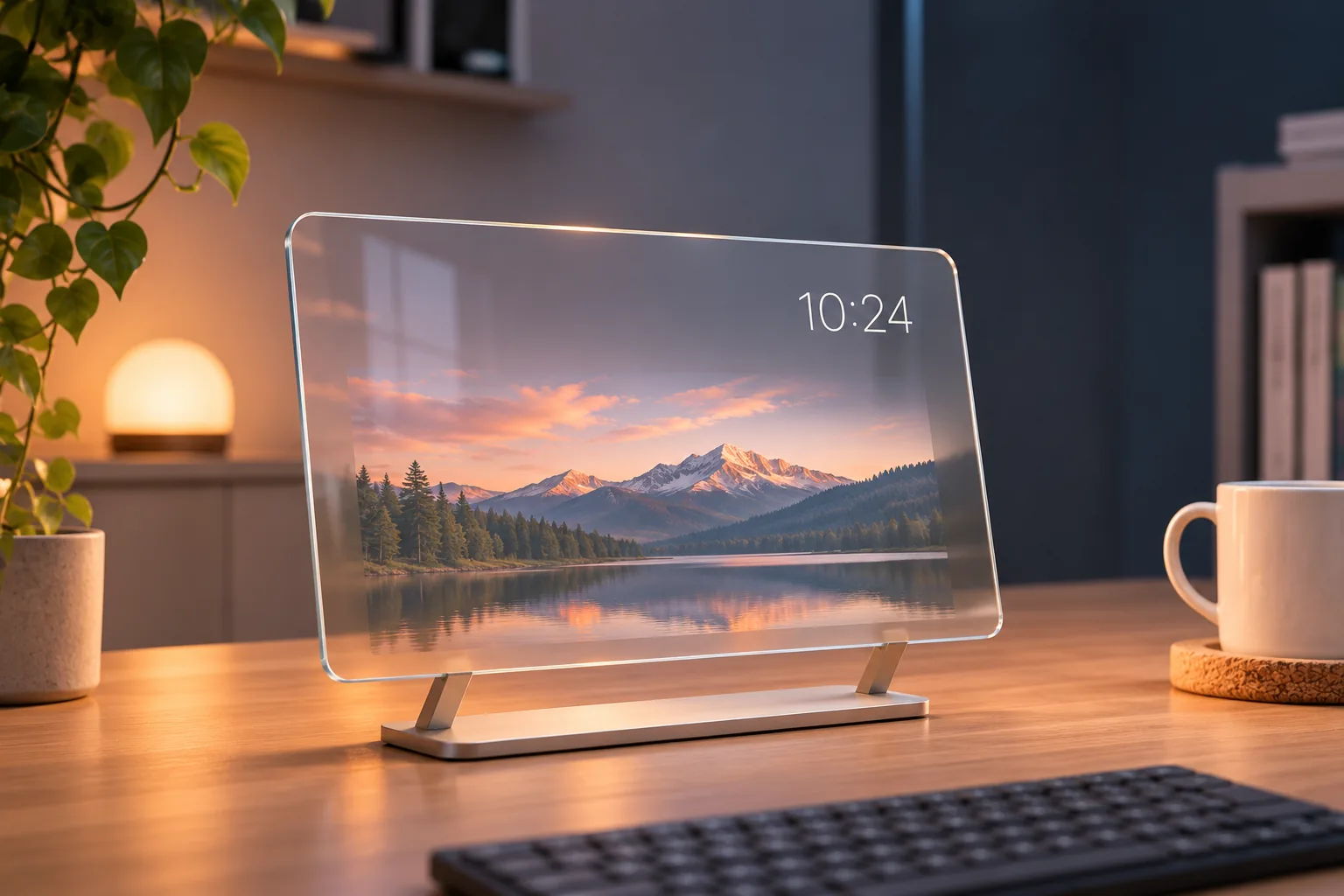
Divoom Times Frame is a 10.1-inch Wi-Fi photo frame and smart desk display with a transparent IPS screen. It combines personal photos and videos with desk widgets. Divoom positions Times Gate separately as a multi-screen smart pixel display, so choose between a photo-and-widget frame and a multi-screen pixel dashboard by intended use (Times Frame product page; Divoom FAQ).
| Your priority | What the available documentation supports |
|---|---|
| Personal photos/videos plus desk widgets | Times Frame is described for this role |
| A multi-screen pixel display | Divoom positions Times Gate for this use |
| Exact file formats or clip lengths | Not specified on the cited product page or FAQ |
| A setup that never needs a phone or network | Not established; app setup and Wi-Fi features are documented |
In this guide
Display and intended use
The product page and FAQ describe photo/video uploads and widgets including clock, weather, calendar and finance-style information; pixel art is also listed as an option. Divoom’s FAQ gives the 10.1-inch size, and the U.S. product page showed a 64GB option when checked. These are manufacturer descriptions and a dated configuration listing, not independent image-quality or usable-capacity measurements. See the product listing and FAQ.
This is a useful distinction when shopping: Times Frame is the photo-and-widget choice in Divoom’s own descriptions, while Times Gate is the separate multi-screen smart pixel display. The distinction is about the products’ stated roles, not comparative quality.
App and connectivity
Divoom documents app-based setup and Wi-Fi connectivity. Remote sharing and online widgets need internet to refresh; the FAQ says some uploaded content can remain on the device. That does not establish that every function works offline (Divoom FAQ). If you need to use a particular image or video format, ask Divoom or check current documentation: the cited product page and FAQ do not give exact format, resolution or clip-length limits.
The current U.S. App Store listing states iOS 15.0 or later. Divoom’s app is also listed on Google Play, but the listing does not state a minimum Android version. Check the live store entry for your device before buying. These listings address app availability, not whether each feature behaves the same on every phone.
U.S. buying checks
Divoom’s U.S. product page displayed U.S. shipping language, a 64GB option and an in-stock label on November 7, 2026. This is a dated storefront snapshot rather than checkout confirmation; verify the selected variant and shipping terms on the official Times Frame page.
As an Amazon Associate I earn from qualifying purchases. Search Amazon for Divoom Times Frame as a shopping aid, and confirm the result is Times Frame rather than Times Gate or another Divoom model.
Before ordering, check three things: whether the photo-and-widget role fits your desk, whether your phone meets the current app requirements, and whether your intended media is supported. If your priority is a multi-screen pixel dashboard, compare Times Gate; if exact media compatibility is essential, the published limits remain unclear from the cited documentation.