As an Amazon Associate I earn from qualifying purchases.
The best FIFINE microphone depends on the setup you need: choose a USB-only model for a USB workflow, a USB/XLR dynamic model if you may add an audio interface or mixer, or a tripod-versus-boom-arm kit based on how you want the mic mounted. This guide compares only the reviewed K669B, K688, AM8, and A6V/A6T choices. It does not rank sound quality: the cited material is manufacturer documentation, not independent listening tests.
FIFINE groups microphones by connection and type, but those categories describe product families—not measured performance. Start with the connection and desk setup, then confirm the exact model and bundle in the selected listing (FIFINE’s microphone collection).
| If your priority is… | Reviewed option to compare | Main check before buying |
|---|---|---|
| A USB condenser with a tabletop stand | K669B | The page confirms a tripod and USB cable, but its cable-end wording conflicts and it does not establish a complete box list. |
| A dynamic mic with USB and XLR paths | K688 or AM8 | The standard models do not include an XLR cable; an XLR setup also needs an interface or mixer. |
| A mic kit with a tripod or desk arm | A6V or A6T | A6T is the boom-arm option; treat the published clamp range as uncertain and screen at 2 inches only. |
In this guide
- Best FIFINE microphone by setup
- USB-only and USB/XLR connections
- Tripod, boom arm, and desk fit
- A practical buying check
Best FIFINE Microphone by Setup
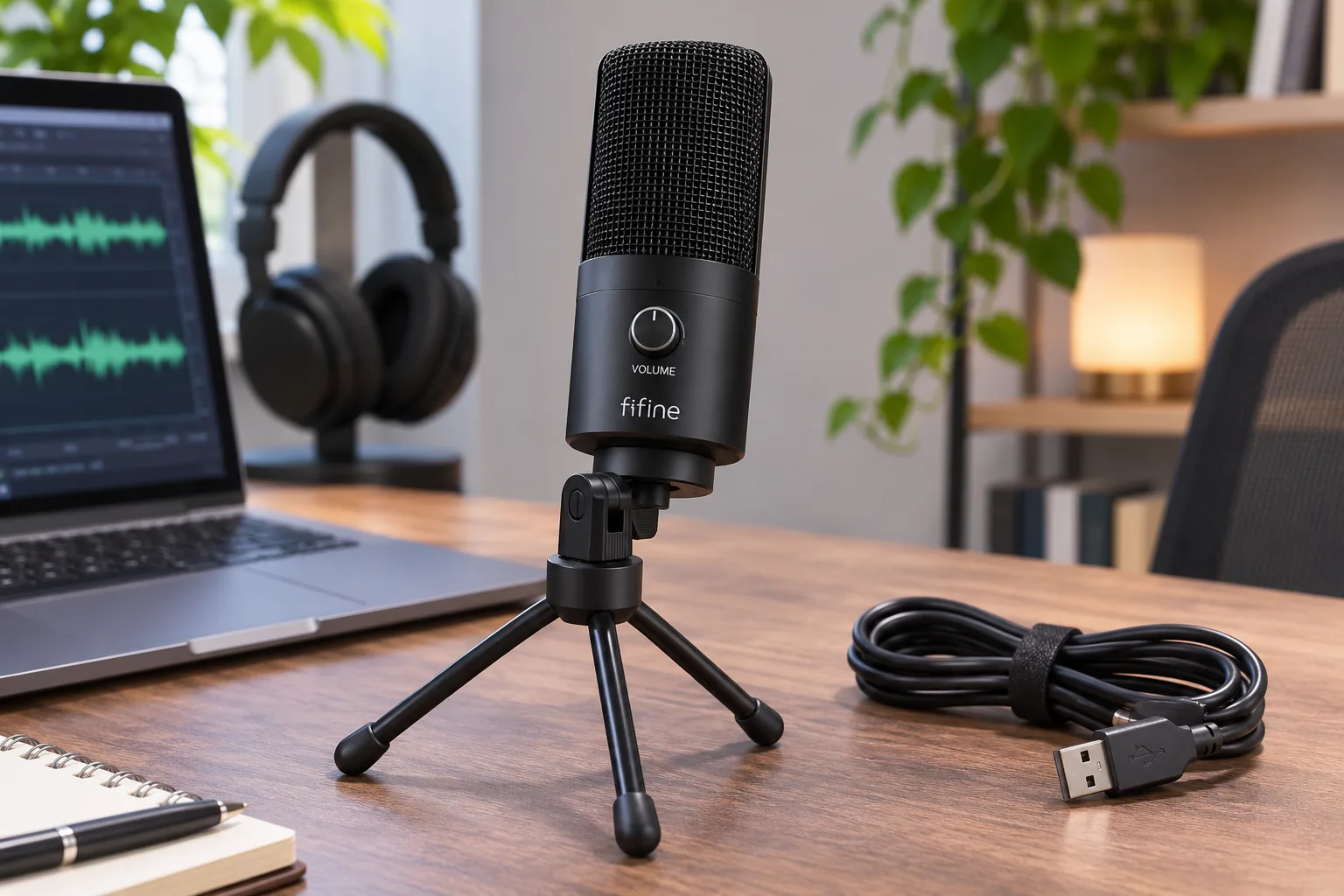
For a USB-condenser option, compare the K669B. FIFINE’s page identifies it as a USB condenser and confirms a tripod stand and USB cable. That makes it a useful example of a direct USB category, but the page does not settle the exact cable end: its overview and FAQ use conflicting connector descriptions. Do not infer the microphone-side plug or a full package inventory from those statements (K669B product page).
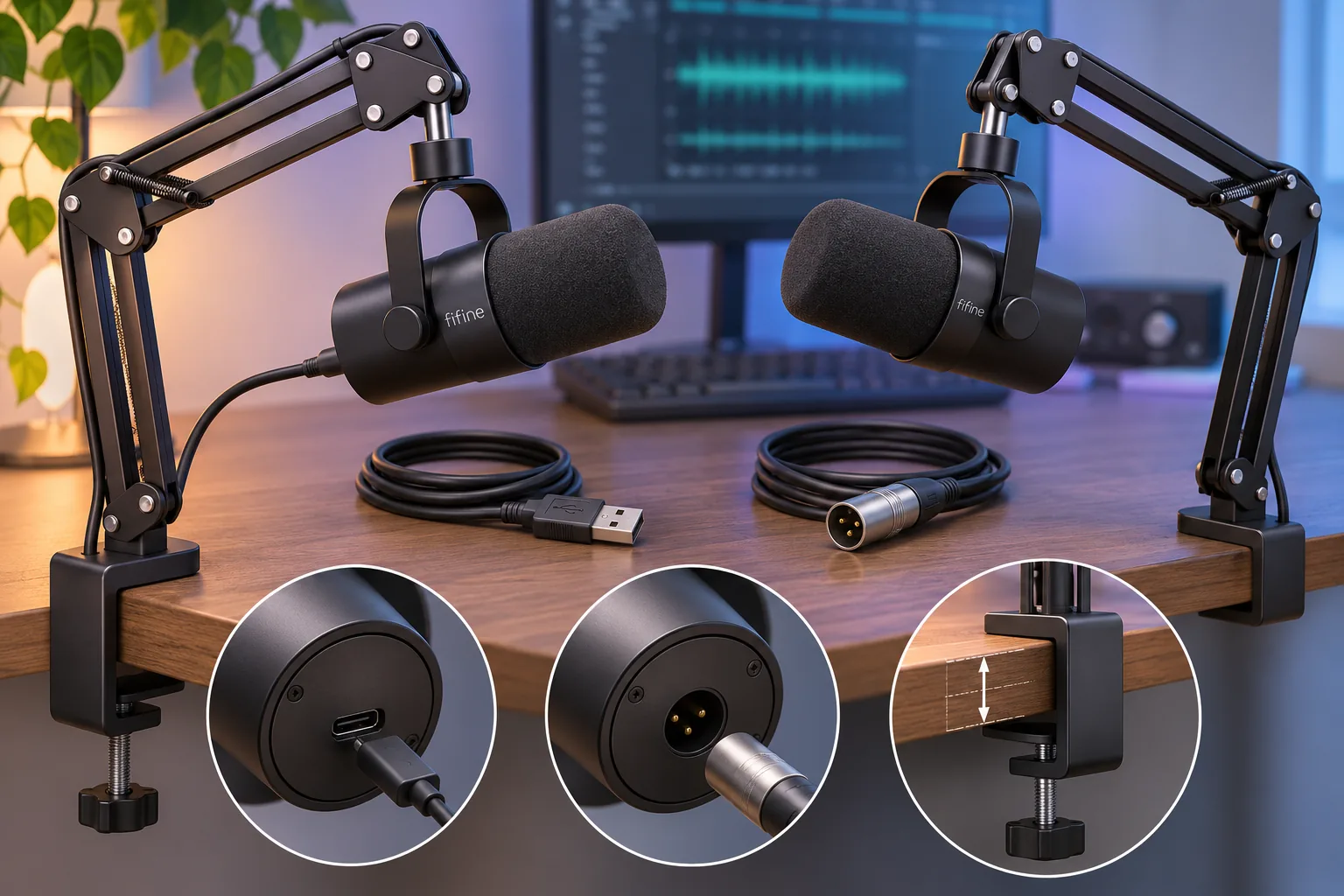
For a dynamic USB/XLR path, compare the K688 and AM8. Both have manufacturer-documented USB and XLR connections. The standard K688 description says its XLR cable is not included. FIFINE says the AM8 also needs a separate XLR cable, and that XLR signal path connects to an audio interface or mixer. Those requirements are about the XLR setup; they do not mean a buyer needs a mixer for USB use (K688 product page; AM8 product page).
For a tripod-versus-arm decision, compare A6V and A6T. FIFINE labels the selector choices “Tripod Stand (A6V)” and “Boom Arm Stand (A6T).” The A6T product listing identifies a USB condenser kit and names a flexible boom arm, shock mount, and pop filter; that named list is not a full in-box checklist (A6V selector; A6T kit page).
USB-only and USB/XLR connections
The K669B’s reviewed evidence supports USB-condenser identity, a tripod stand, and a USB cable. The two cable descriptions differ: one says “USB-B to USB-A/C,” while the FAQ says “USB-A to USB-A/C.” Since FIFINE’s page does not resolve the mic-side connector, confirm the cable included with the exact SKU if that physical end determines whether it fits your setup. Do not treat the conflict as proof that one connector is correct (FIFINE K669B page).
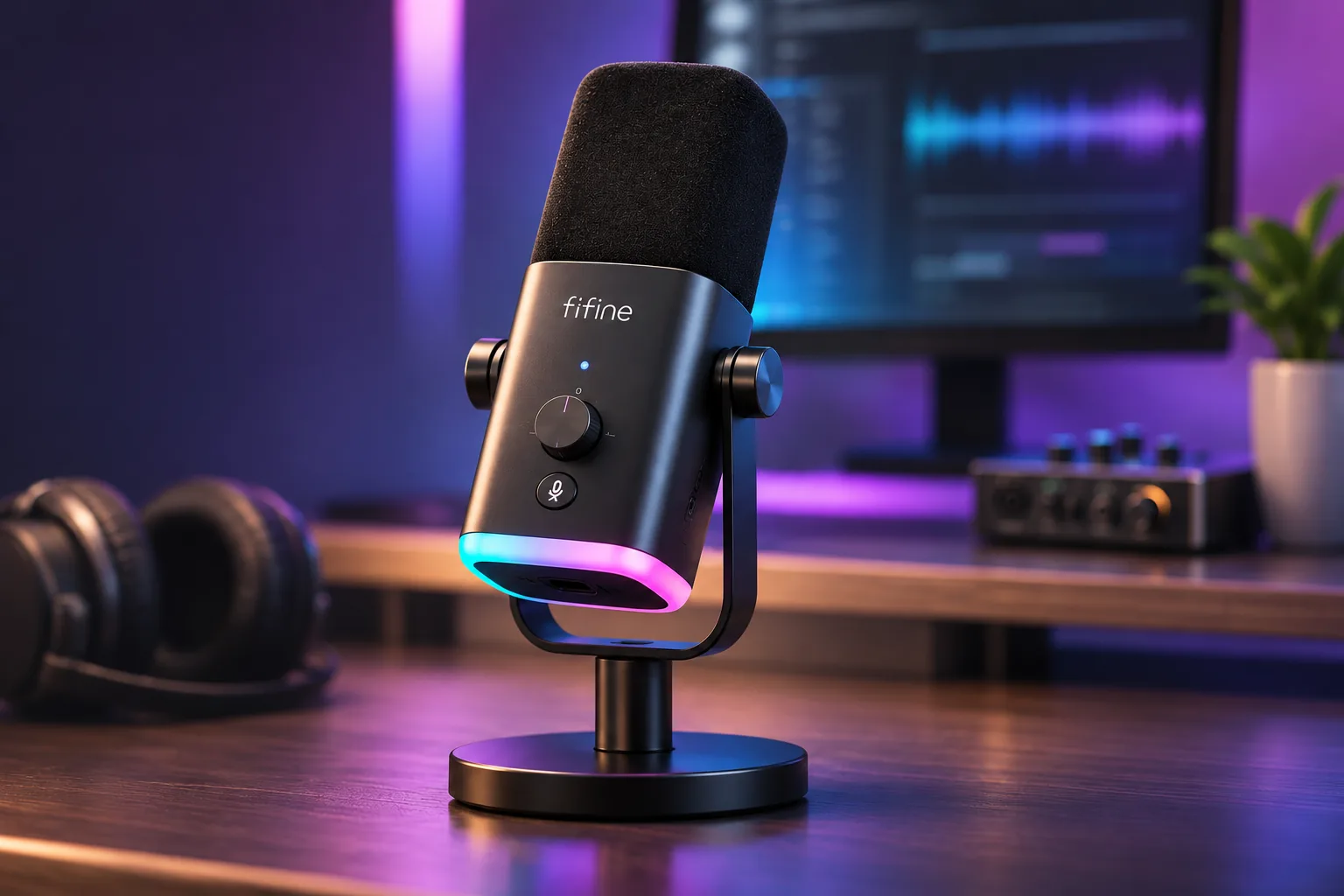
The K688 and AM8 offer a different kind of choice: each is identified as a dynamic USB/XLR mic. On standard options, FIFINE says the XLR cable is not included. For the AM8 specifically, the XLR route also requires connecting that separate cable to an interface or mixer. FIFINE lists the AM8’s onboard controls and RGB as inactive in XLR mode; its controls are described for USB mode. Do not apply that AM8-specific control note to the K688 (FIFINE K688 page; FIFINE AM8 page).
The AM8 page lists several named options, including a base-stand USB-cable configuration, a CS1 arm configuration, and an XLR-cable configuration (FIFINE AM8 product page). Check the exact option you select rather than assuming a cable or arm is included because another bundle name lists it. At the recorded page check, the displayed default Black / Base Stand + USB Cable option showed a back-in-stock notification. That snapshot does not establish availability for the other options or confirm checkout stock, so verify the selected variant at purchase time.
Tripod, boom arm, and desk fit
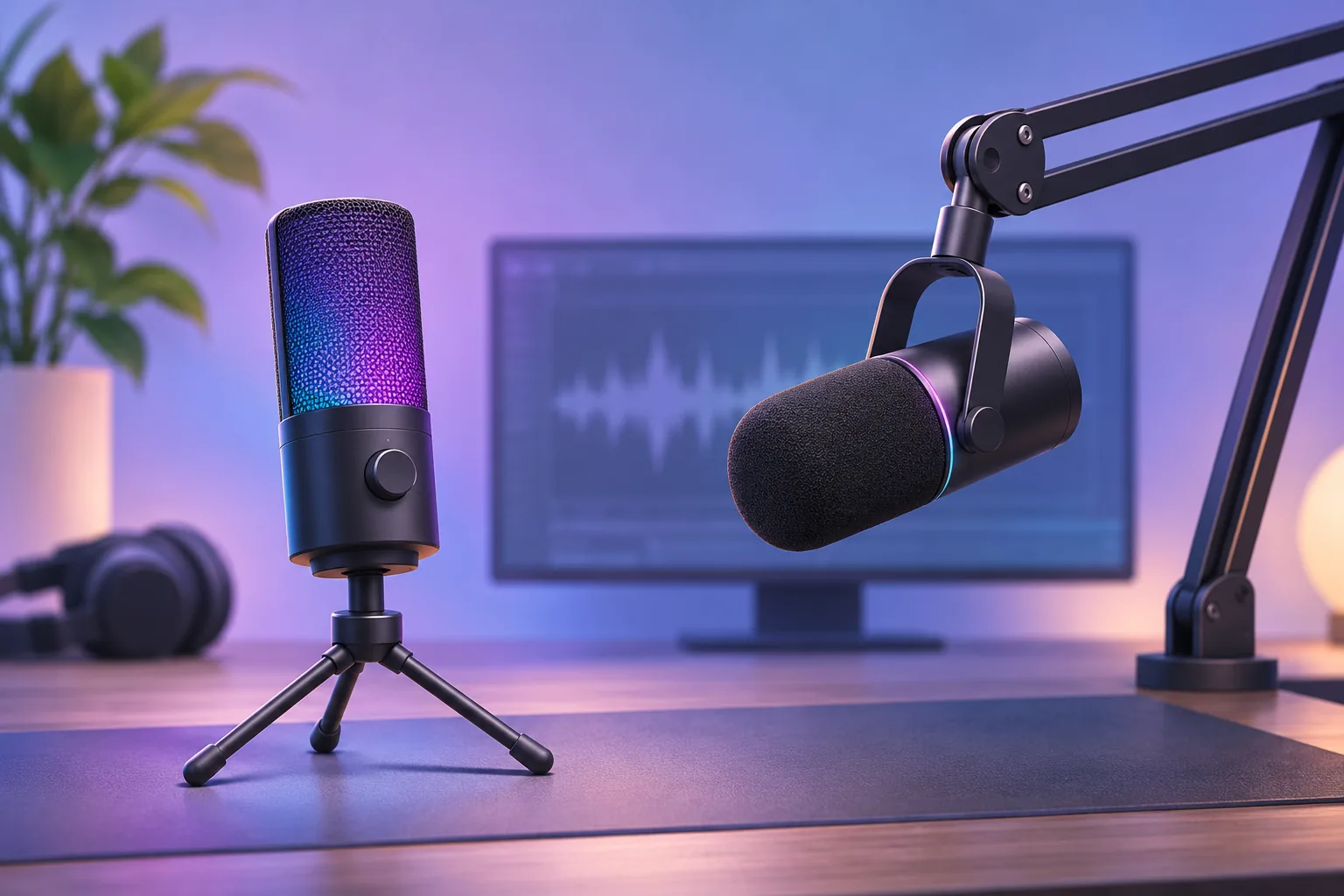
If you want a tabletop base, the K669B page confirms a tripod stand and FIFINE’s A6V selector offers a tripod-stand option. For the A6T selection, FIFINE names a boom arm, shock mount, and pop filter. Stand choice is a practical setup difference; the supplied evidence does not establish a sound-quality difference between these models.
Check the desk before choosing the A6T/CS1 arm. FIFINE’s A6V FAQ and product specifications give a 0.8–2.4-inch desk-thickness range and say the desktop should have at least 2 inches of depth. Elsewhere, FIFINE support says the desk edge should be less than 2.1 inches, separately describes 2.1 inches as the maximum, and calls for about 1.7 inches of edge access. The CS1 product page says up to 2 inches in its prose but lists 2.1 inches (53 mm) in its table. The support instructions also require flat contact at the clamp’s top and underside (A6T setup guidance; CS1 page).
Use 2.0 inches only as a cautious screening ceiling, not a fit guarantee. Between 2.0 and 2.1 inches, FIFINE’s descriptions conflict; above 2.1 through 2.4 inches, fit remains unconfirmed. Measure where the clamp will sit, check the surface depth and edge access, and confirm that both clamp contact areas can sit flat.
A practical buying check
Before ordering, match these four details:
- Connection: Is USB enough, or do you specifically want the K688/AM8’s XLR option? For XLR, account for a separate cable and an interface or mixer.
- Exact model and selected option: Keep K669B, K688, AM8, A6V, and A6T distinct. A selected bundle’s included stand or cable does not carry over to another SKU.
- Mounting: Decide whether a tabletop tripod or clamp arm suits your desk. For the A6T/CS1, use the documented 2-inch screening point cautiously and check the desk geometry.
- Current availability: Recheck the exact variant at checkout. The AM8 page’s displayed-option notice was only a dated snapshot, not a promise about other bundles or delivery.
The best FIFINE microphone for your setup depends on the connection you can support and how a stand fits your desk. For an exact-model connection comparison, see our FIFINE USB/XLR hybrid microphone guide, or browse creator audio guides. As an Amazon Associate I earn from qualifying purchases. Search Amazon for FIFINE microphones as a shopping aid, then confirm the listing names the exact model and bundle you intend to buy; marketplace results are not evidence for the specifications above.