As an Amazon Associate I earn from qualifying purchases.
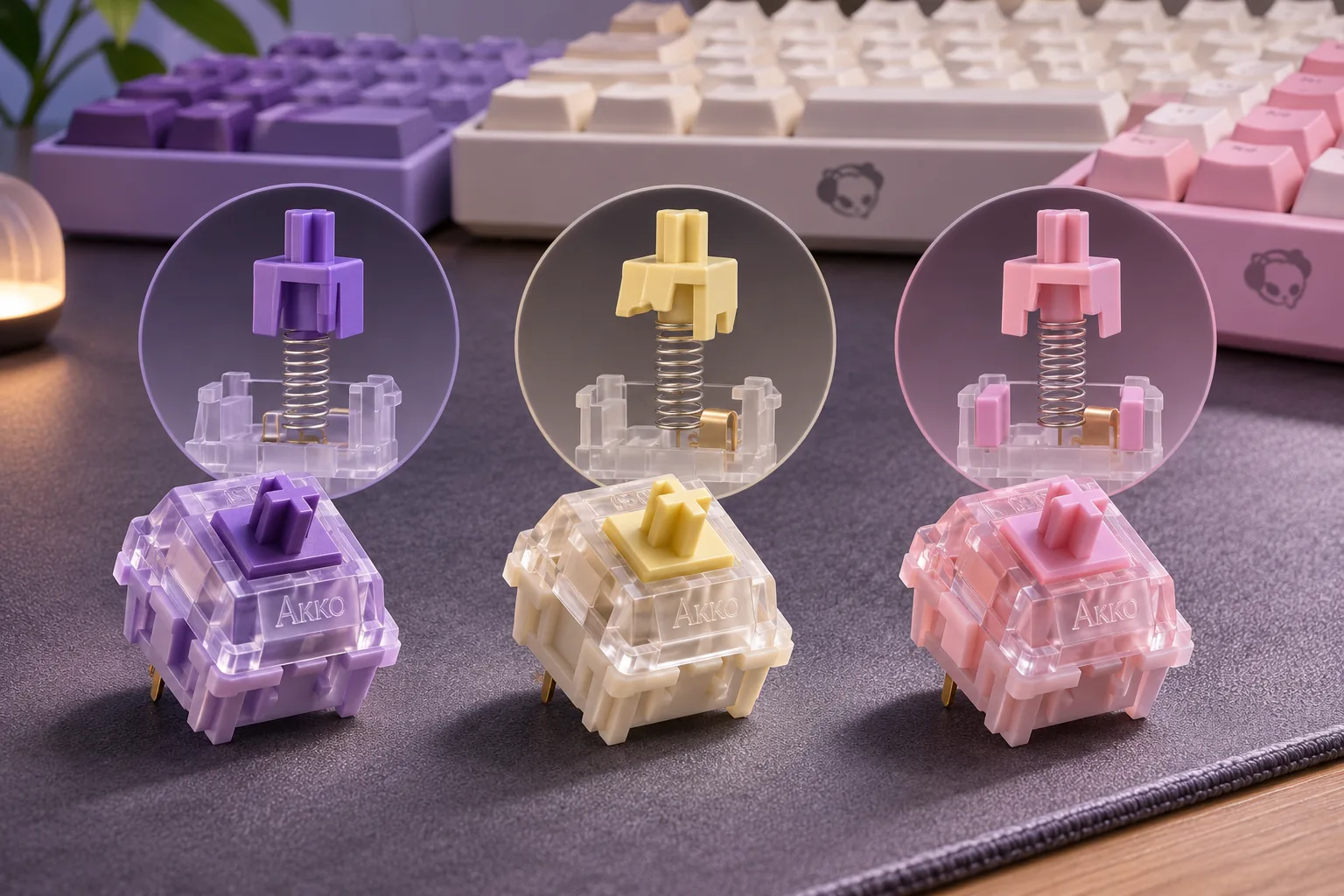
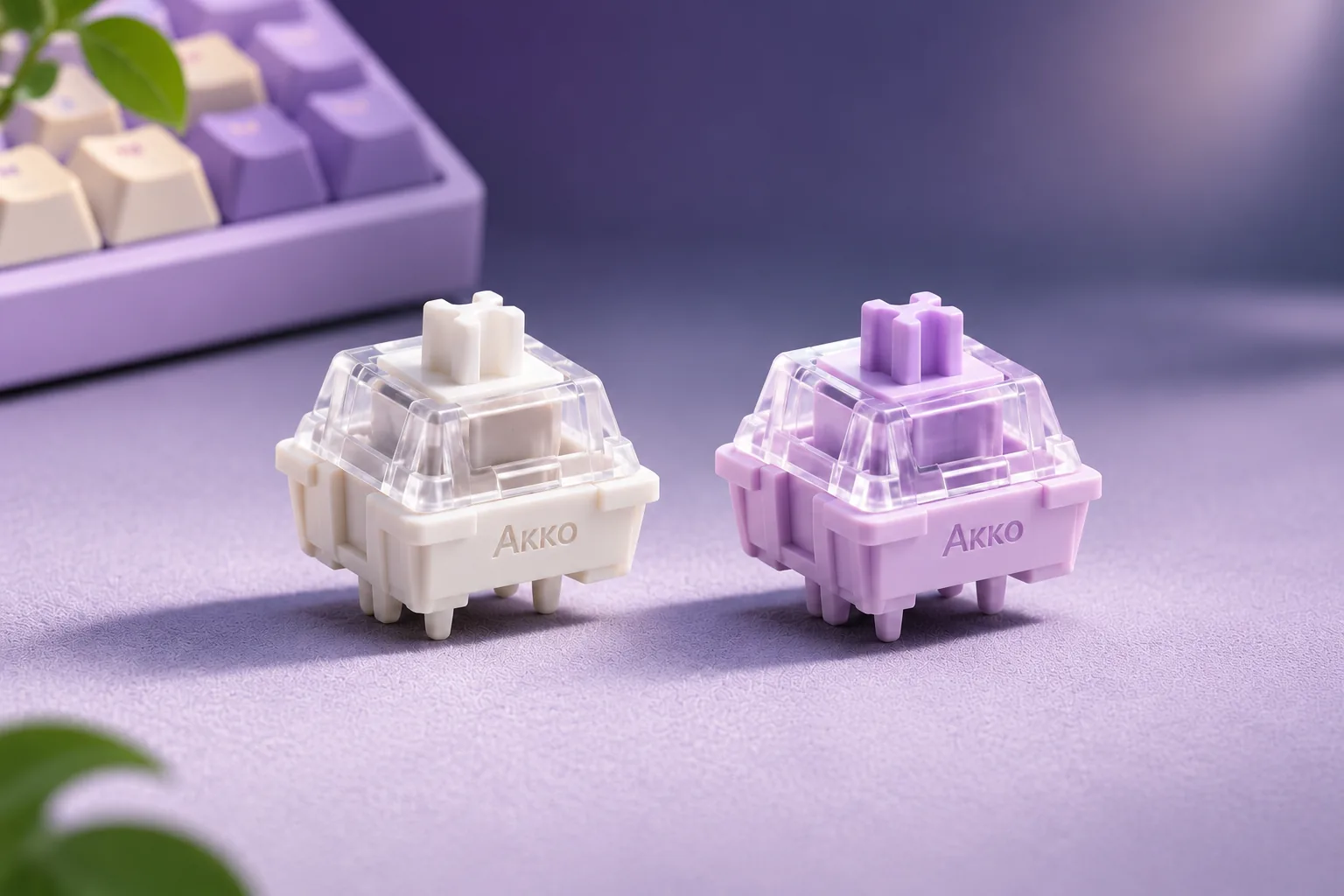
Choose Akko Fairy if you want a linear press with no tactile bump specified on its product page. Choose Akko Penguin if you want a tactile cue during the press. Akko labels both switches silent and lists the same total travel and pre-travel, but Penguin has an additional tactile-travel and tactile-force specification. The published numbers help distinguish their designs; they do not establish a quieter, faster, or more comfortable winner.
Penguin vs Fairy at a glance
| Specification | Fairy | Penguin |
|---|---|---|
| Akko’s type label | Linear silent | Tactile silent |
| Operating force | 50gf ± 5gf | 50gf |
| Total travel | 3.3mm | 3.3mm |
| Pre-travel | 2.0 ± 0.5mm | 2.0 ± 0.5mm |
| Tactile travel | N/A (Akko’s current product-page label) | 0.4mm |
| Tactile force | N/A (Akko’s current product-page label) | 58gf ± 5gf |
| Pack listing | 45 switches | 45 switches |
The figures above come from Akko’s current Fairy product page and Penguin product page. Preserve Akko’s exact labels: Fairy’s operating force includes a ±5gf tolerance, while Penguin’s current page lists 50gf operating force without that tolerance notation. Penguin’s separate 58gf ±5gf value is tactile force, not its operating force. Avoid treating these labels as the same measurement or making an unlisted Fairy tactile-force value up.
Choose by press category
Pick Fairy for a linear press. Akko classifies it as linear silent and marks Tactile Travel and Tactile Force as “N/A” on the reviewed page. That makes it the category-based choice when you do not want the tactile bump documented for Penguin. “Linear” describes the switch category; your experience still depends on the keyboard, keycap, and personal preference.
Pick Penguin for a tactile cue. Akko describes Penguin as a silent tactile switch and publishes 0.4mm tactile travel and 58gf ±5gf tactile force. Those details are useful if you specifically want a tactile event. They do not predict whether you personally will find the bump strong or subtle; there is no controlled user-feel test in the reviewed sources.
What “silent” establishes—and what it does not
Akko explains that its silent designs use dampening mechanisms around bottom-out and key return. That describes a design approach, not a measured sound level. Akko’s reviewed pages do not provide a controlled side-by-side acoustic test of the exact Fairy and Penguin products, so there is no source-backed quieter winner here. If you have a strict noise requirement, assess the exact switch in the keyboard you plan to use rather than relying on “silent” as a room-volume guarantee.
Check keyboard fit separately
Both Akko product pages list a 5-pin switch and mention fit with keycaps using standard MX structure. Those are two different compatibility questions: the 5-pin detail concerns the switch’s underside and the keyboard’s switch socket; the MX-structure note concerns the keycap stem. One does not certify the other.
Before buying, check the exact keyboard model and confirm that it is a conventional mechanical-switch board with a socket that accepts the listed switch pins. Check the keyboard’s own specs for hot-swap support and accepted switch type; these product pages do not certify a particular board. Separately, confirm that your keycaps use the stated MX-style stem. Do not assume a magnetic Hall-effect board accepts conventional mechanical switches just because a keycap stem matches. If you are unsure, compare the keyboard manufacturer’s switch guidance or ask support with the exact model number.
The product pages also list 45 switches per pack and a 50-million-keystroke lifespan claim. Treat the latter as Akko’s product specification, not an independently measured guarantee for every keyboard or use pattern. Count the switches you need for your board and any spares before ordering.
A caution about Akko’s 16-key tester
Akko’s 16-key switch tester currently lists Fairy among its linear samples and Penguin among its tactile samples. It can be a possible way to explore the two broad categories only if the exact tester version being sold includes the samples you want. There is a specification difference to keep in mind: the tester page, updated in April 2025, lists Penguin at 65gf ±5gf tactile force, while the current dedicated Penguin product page lists 58gf ±5gf. Akko also says tester versions may ship randomly because of updates. Do not assume a randomly shipped tester Penguin reproduces the current dedicated-product variant or its listed tactile force; check with Akko if an exact sample matters.
The short decision rule
Choose Fairy for the documented linear category, or Penguin for the documented tactile category. Their current product pages list the same 3.3mm total travel and 2.0 ±0.5mm pre-travel, but preserve the different force labels and Penguin’s added tactile specs. Both carry Akko’s silent designation, with no measured sound comparison establishing a winner. Before purchase, verify your keyboard’s switch socket and technology, then check keycap-stem fit separately. For a broader overview of other Akko switch families, read our Akko switches guide.