As an Amazon Associate I earn from qualifying purchases.
FIFINE Gaming Audio Mixer SC3: Microphone and Headset Fit
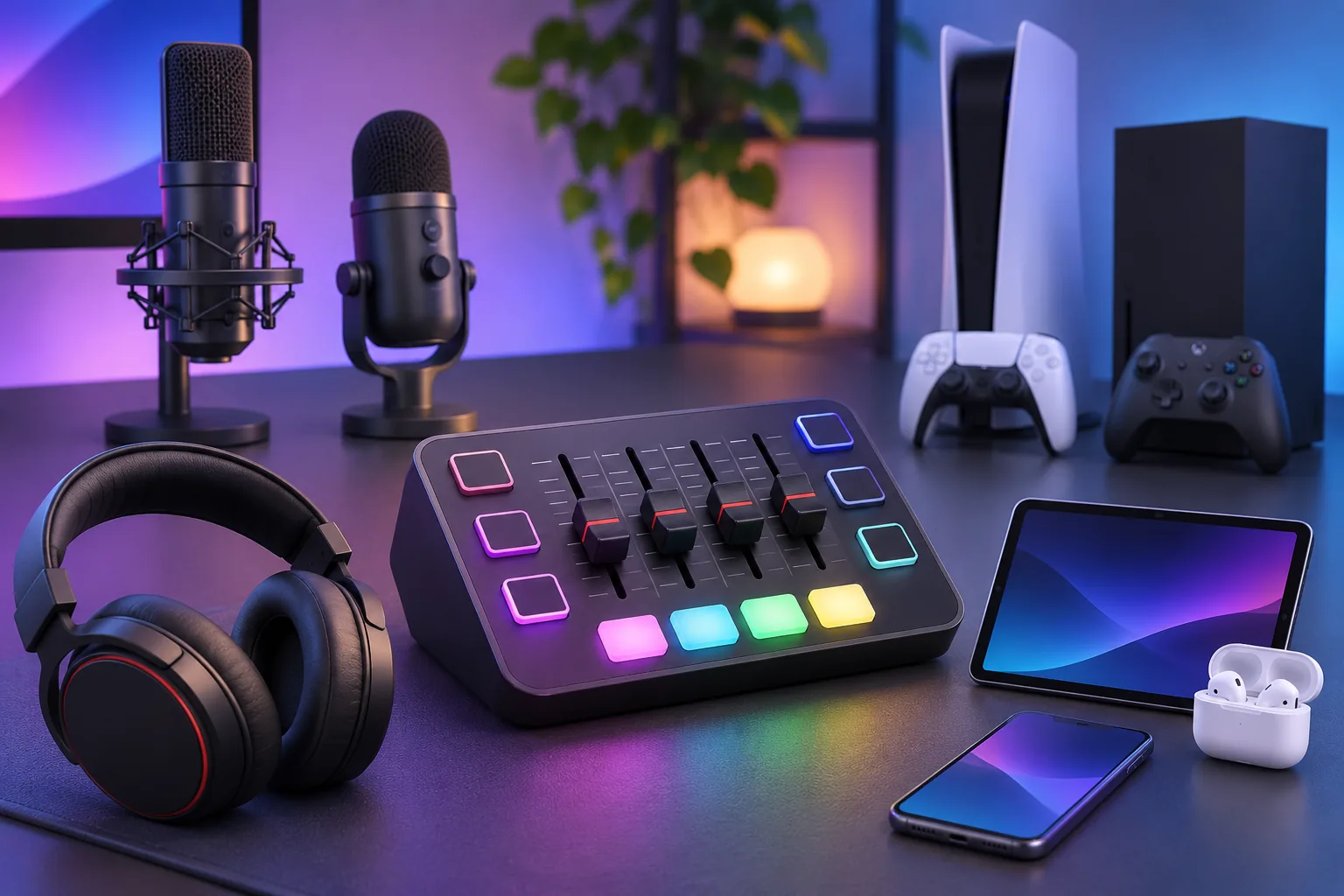
The FIFINE gaming audio mixer SC3 is an audio mixer, not a microphone. Use this fit check to compare its documented paths with your equipment. FIFINE’s SC3 product page and compatibility FAQs state the limits below.
| Your setup | FIFINE’s published guidance | Buying implication |
|---|---|---|
| USB microphone | Unsupported, including with an adapter | Choose another device if this is your only microphone. |
| XLR microphone | Combo XLR/TRS input; optional 48 V phantom power for XLR condensers | Match the mic’s connection and power requirements. |
| Standard wired headset | 3.5 mm wired headsets supported | Verify your exact plug and route. |
| Headset through a DAC | Some setups have cable and configuration caveats | Confirm your specific DAC path; no universal fit is claimed. |
| Wireless headset | Not supported | Plan a wired path. |
| Console | PS5 supported; Xbox not compatible | Match the console you use. |
| Computer and bundle | USB-C host link; standard option lists USB cable; SC3Plus is labeled with XLR cable | Confirm the exact selected option and connector path. |
FIFINE Gaming Audio Mixer SC3: audit your connection chain
Write down the exact model of each device you intend to connect: microphone, headphones, DAC, computer, and console. For each, note the connector it presents and the cable or adapter you already own. Product-family names alone may not tell you which physical path a particular unit uses, so check its label or manufacturer specification. This simple inventory helps reveal whether you are planning for an analog microphone connection, a USB device, or a headset route before you compare mixer options.
Draw the path from source to destination. Mark which device plugs into the mixer, which link goes to the computer or console, and where you intend to monitor sound. Then compare each step with the table. A complete setup needs a documented route for every required link; one matching plug does not establish that the full chain is supported. If any step depends on a converter, adapter, or DAC, identify its exact model and instructions rather than assuming all similar accessories behave alike.
For an XLR microphone, check its own power requirements and the precise cable included with the selected mixer variant. For a headset-plus-DAC arrangement, write down the specific DAC, headset, and intended lead. If the exact route remains unclear, ask the manufacturer or seller about those model numbers together and keep the answer with your purchase notes. Include the mixer variant and the host device in that question so the response addresses the full chain.
Keep cable and software assumptions separate
When checking the diagram and selected option, keep the mic-to-mixer cable separate from the mixer-to-computer link. FIFINE also identifies distinct 3.5 mm line-in, line-out, and headphone ports; match your planned route to those labels. Its FAQ says SC3 does not work with FIFINE Genie software. This is manufacturer guidance, not an independent device test.
Final fit decision
Before you place an order, make a five-line note: microphone model and output, headset model and connection type, DAC model if used, computer or console, and cables already on hand. That turns a broad “is it compatible?” question into a checkable setup request.
Shortlist the FIFINE gaming audio mixer SC3 only when your equipment has a documented connection path, the selected bundle supplies the cable you need, and your console/software needs match the published limits. If the setup relies on an unsupported mic type or device, stop and choose another mixer/interface; if the only uncertainty is a particular DAC or bundle detail, verify that configuration before ordering. For another microphone connection comparison, see our FIFINE USB/XLR guide or browse creator audio guides.