As an Amazon Associate I earn from qualifying purchases.
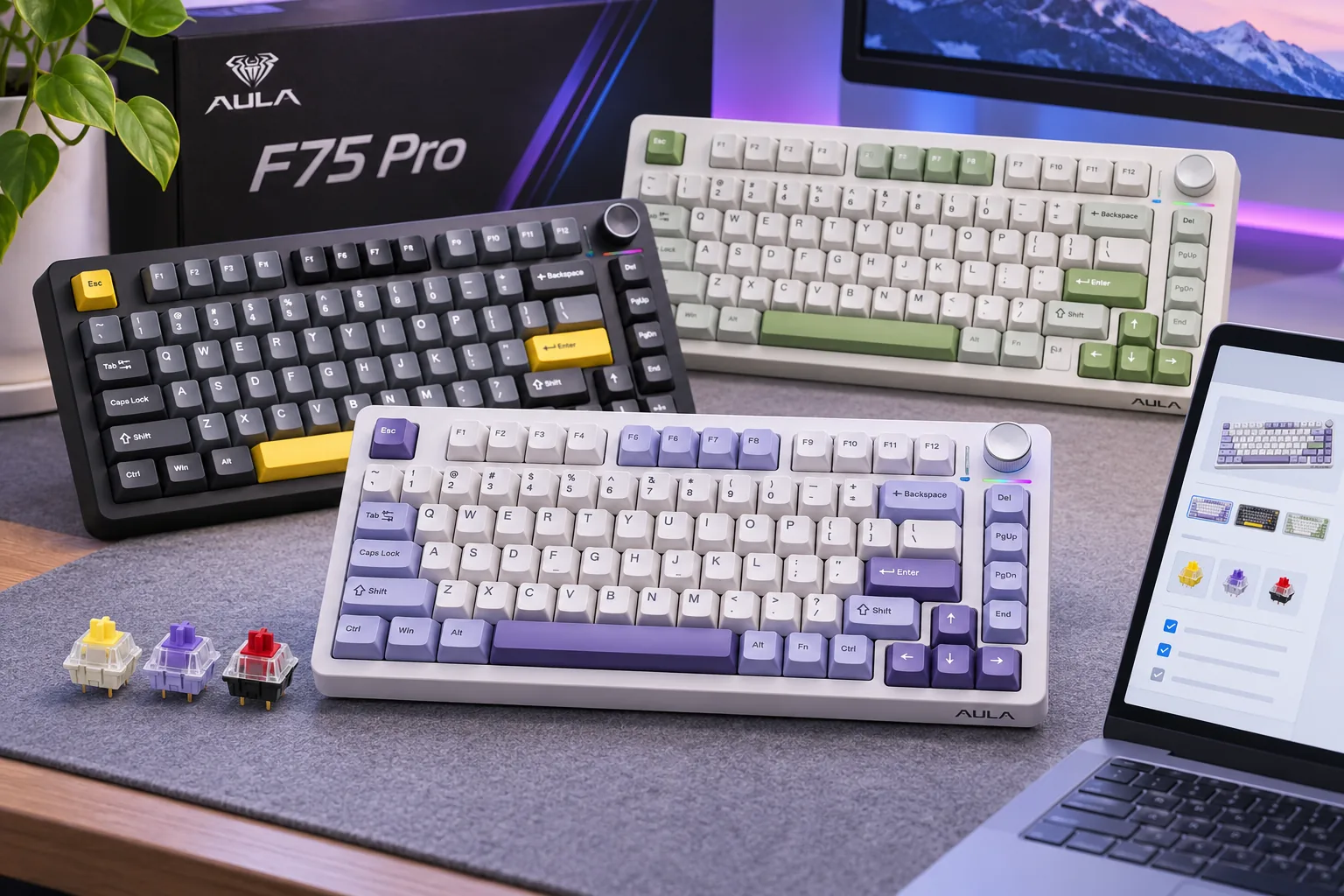
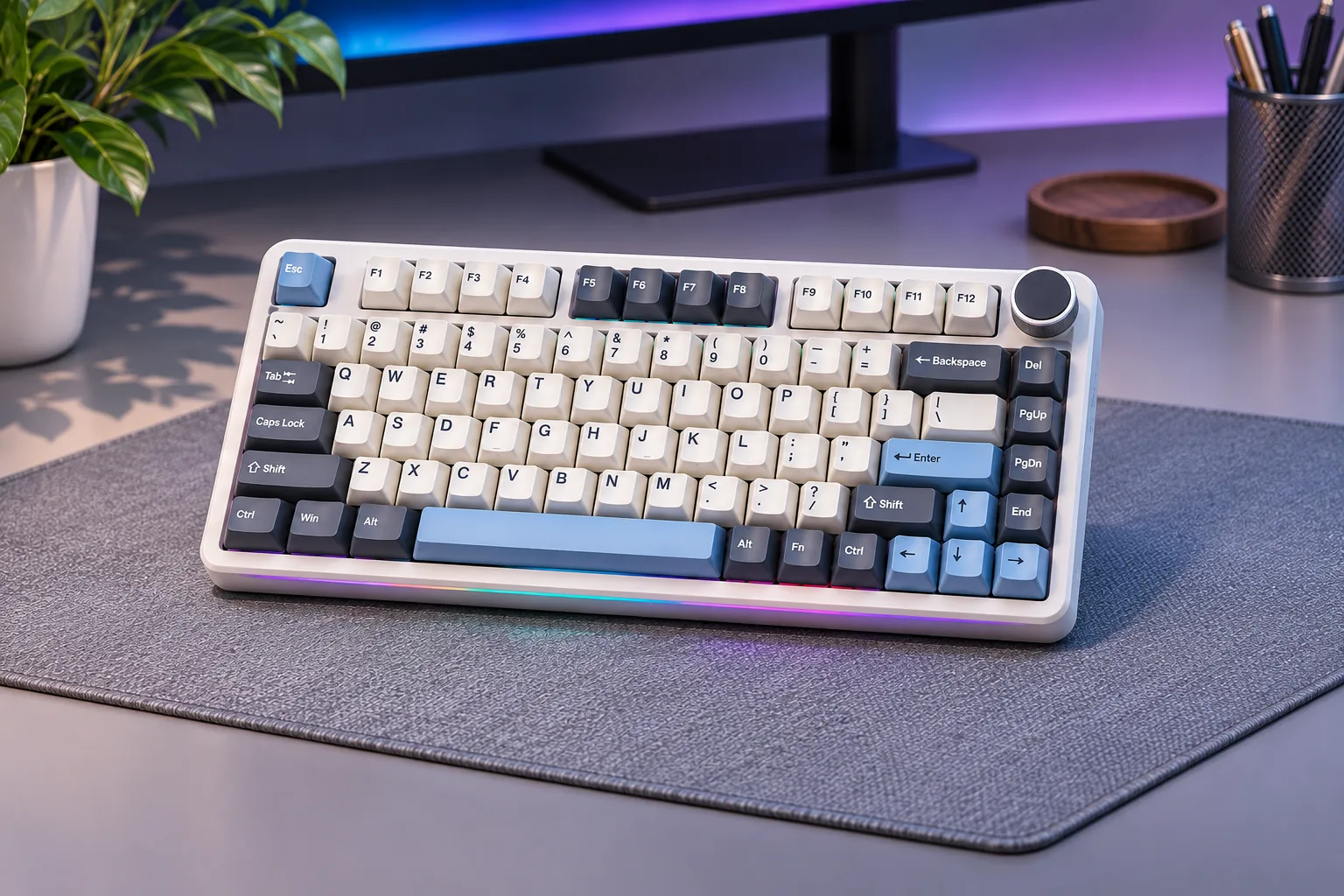
Searching for the best AULA keyboards? There is no single best model for every buyer, so start with the layout you need: the F75 family for a compact 75% board, F75 HE for magnetic Hall Effect features, or F99/F99 Pro if keeping a number pad matters. The regular F75 and F75 Pro are mechanical models; the F75 HE is a separate magnetic design. Use this guide to narrow the family, then check the exact model name, revision, selected option, and current checkout details. S01 · S07 · S03 · S04
Contents
- Best AULA keyboards for different buyer needs
- Choose by layout and switch technology
- How to compare exact models
- Check the listing before you buy
- Frequently asked questions
- Which are the best AULA keyboards for you?
Best AULA keyboards for different buyer needs
This is a fit guide, not a ranked product test. AULA’s catalog lists F75, F75HE, F75MAX, and F99-family models as distinct entries. Each row below summarizes the researched model or family; a shared name or layout does not guarantee that all variants use the same parts. S01
| Family | Layout and switch type | Consider it if… | Verify before checkout |
|---|---|---|---|
| Base F75 | 75%, mechanical, 80-key layout in the English manual; tri-mode | You want a compact conventional mechanical board. | Confirm the listing is the standard F75, not F75 Pro, F75 HE, F75MAX, or an edition from another seller. |
| F75 Pro | 75%, mechanical, knob and tri-mode; AULA pages conflict on 80 vs. 81 keys | You want the Pro listing’s particular switch and color selections. | AULA’s published materials conflict on the count; verify the selected variant. |
| F75 HE | 75%, magnetic Hall Effect; advertised adjustable actuation and Rapid Trigger | You specifically want magnetic switch features such as adjustable actuation and Rapid Trigger. | Its 8000Hz wired polling rate is a maker specification, not a latency measurement; do not substitute ordinary mechanical switches based on “hot-swap” wording. |
| F99 / F99 Pro | 96%, 99 keys in current official listings; mechanical tri-mode | You want a compacted full-size arrangement that retains a number pad. | The current listings overlap on many specifications; identify the exact model, revision, switch/color option, and manual. |
AULA’s base F75 manual identifies an 80-key layout, while the current F99 listings describe 96% and 99 keys. Use the exact model’s listing and manual rather than inferring key count from a percentage label. S08 · S04 · S05
Choose by layout and switch technology
Choose the base F75 for compact mechanical typing
AULA’s base F75 product page identifies it as a gasket mechanical keyboard. Its English manual identifies an 80-key layout, tri-mode connection, hot-swappable mechanical switches, and model-specific battery and polling figures. Those specifications belong to the base F75 manual revision; they should not be copied to F75 Pro, F75 HE, or F75MAX. If the compact F75 layout seems right, see the existing AULA compact keyboard guide for a second look at the family and its fit. S07 · S08
Choose the F75 Pro for its specific switch and color listing
The F75 Pro is the mechanical branch with its own AULAGAMING product page and switch/color selections. AULA’s published F75 Pro materials do not align on key count, so verify the exact variant rather than treating one number as universal. Do not use base F75 manual battery or polling figures to fill gaps in the Pro’s documentation. S02
Choose the F75 HE only when you want magnetic features
AULA describes the F75 HE as a Hall Effect magnetic keyboard and advertises adjustable actuation, Rapid Trigger, and SOCD. Its page lists 8000Hz wired polling; that is the stated specification, not a measured end-to-end input delay or proof of a gaming advantage. S03
Treat “hot-swappable” carefully here. AULA says the HE switches can be replaced, but that does not show that a conventional MX mechanical switch fits the magnetic board. Match the exact replacement technology to the manual and product page. Use documentation for the exact F75 HE model rather than assuming a mechanical F75 specification applies. S03
Choose the F99 family when the number pad matters
The current F99 and F99 Pro listings describe 96% layouts with 99 keys, tri-mode connection, a knob, mechanical hot-swap support, and an 8000mAh battery. Their published core specifications overlap substantially, and the available evidence does not support a universal claim that Pro is better. Compare the exact listing and manual if revision details matter. S04 · S05
How to compare exact models
Use this order to narrow the shortlist:
- Decide which keys you need. The 75% F75 family is the compact option. Choose an F99 layout if you need the number pad.
- Choose the switch technology. The base F75 and F75 Pro are mechanical; the F75 HE uses Hall Effect magnetic switches. They are not interchangeable categories.
- Write down the full model label. Distinguish standard F75, F75 Pro, F75 HE, F75MAX, F99, and F99 Pro. AULA’s catalog treats several of these as separate entries. S01
- Compare the exact revision and configuration. Check selected switch, color, key count, included parts, manual, warranty, and the final order summary. Treat conflicting manufacturer pages as unresolved rather than guessing.
- Treat checkout facts as current-only. Price, stock, shipping, and delivery can change. Confirm them for the selected variant and destination before ordering.
This comparison is based on manufacturer pages and manuals. It does not use hands-on tests, a complete product-line benchmark, measured sound or latency, or a verified ranking. The “best” model depends on the layout and switch behavior you actually want.
Check the listing before you buy
AULA’s official US-facing store states that it serves the US market, but that statement does not guarantee that every model or variant can be ordered or delivered to your address. Open the exact product page, select the option you want, and review the order summary, included accessories, shipping estimate, and warranty before payment. For products offered through another seller, confirm the seller’s model label and return terms separately. S06
As an Amazon Associate I earn from qualifying purchases. Search AULA keyboards on Amazon. The search link is a shopping aid, not evidence of current stock, seller quality, or a specific model’s features.
Frequently asked questions
Which AULA keyboard has Hall Effect switches?
The researched F75 HE is AULA’s magnetic Hall Effect choice in this group. The regular base F75 and F75 Pro are mechanical models. Check the full model name before ordering replacement switches or software. S07 · S03 · S02
What is the difference between AULA F75 and F99?
The main choice is layout: the F75 family is the compact 75% branch, while the F99 listings describe a 96% 99-key board with a number pad. Decide whether the number pad is worth the larger layout, then compare the exact model and manual. S07 · S04 · S05
Is the F99 Pro better than the F99?
The available official evidence does not establish that as a universal rule. Their current pages show substantial overlap. Compare the exact variant, revision, and seller terms you can verify. S04 · S05
Is the base F75 the same as F75 Pro?
No. AULA lists the base F75 and F75 Pro separately, and the F75 Pro has its own product page. Do not transfer specifications from the base F75 manual to the Pro model. S01 · S07 · S02
Which are the best AULA keyboards for you?
The best AULA keyboards depend on your layout and switch priorities: choose a mechanical F75 for compact typing S07, F75 HE when you want magnetic controls S03, or F99 when the number pad matters S04 · S05. These are conditional fits, not a tested overall ranking. Confirm the exact model, manual, selected configuration, and order details before buying.
Sources checked November 7, 2026
- S01 — AULA Keyboard Catalog
- S02 — AULA F75 Pro product page
- S03 — AULA F75 HE product page
- S04 — AULA F99 product page
- S05 — AULA F99 Pro product page
- S06 — AULAGAMING Shipping Policy
- S07 — AULA F75 Gasket Mechanical Keyboard
- S08 — AULA WIND F75 English User Manual