As an Amazon Associate I earn from qualifying purchases.
The AULA F75 HE is the magnetic Hall Effect model in the F75 family, distinct from the standard F75 and F75 Pro mechanical boards. Consider it if you specifically want magnetic switch behavior and will check the model’s software and replacement parts. This is a feature guide, not a measured performance comparison. S01 · S02
Contents
- AULA F75 HE: what Hall Effect means
- Rapid Trigger and adjustable actuation
- What AULA says about F75 HE
- Is the F75 HE right for you?
- Compatibility and US purchase checks
- Frequently asked questions
- Final choice: AULA F75 HE
AULA F75 HE: what Hall Effect means
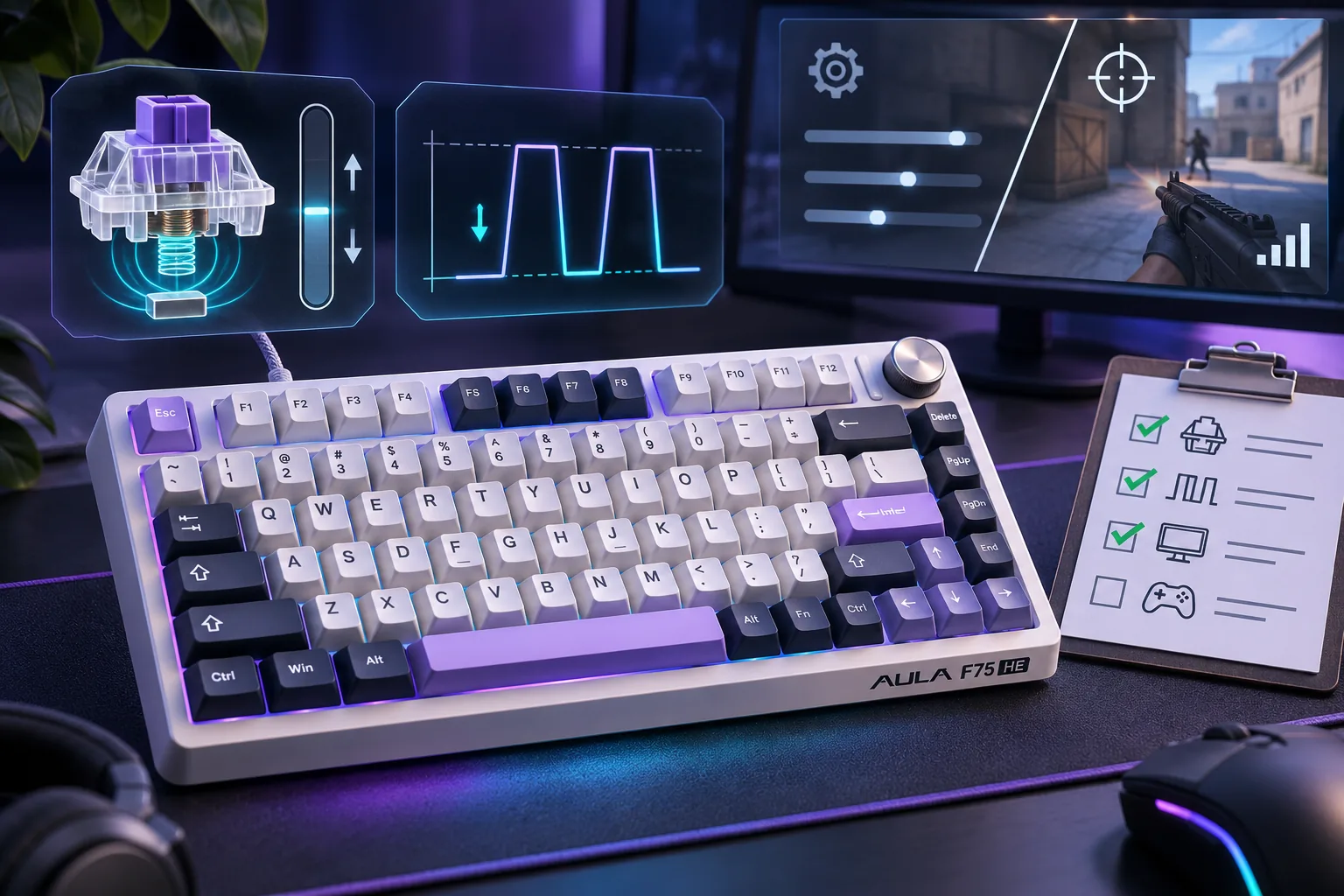
A Hall Effect keyboard detects key position with magnetic sensors rather than relying on traditional mechanical contact points. AULA’s general FAQ explains that a sensor reads changes in a magnetic field as a key moves, which allows the board to detect how far a key is pressed. That describes the technology in general; the F75 HE’s advertised functions and limits still come from its own product page. S06 · S01
The table summarizes AULA’s F75 HE listing. Its polling figure is a manufacturer specification, not an independent latency result. S01
| Published item | What AULA lists | How to interpret it |
|---|---|---|
| Switch sensing | Hall Effect magnetic switches | A distinct switch technology from the conventional mechanical switches listed for the F75 Pro. |
| Actuation | Adjustable actuation | The point where a key registers can be set in supported software; AULA describes this generally for supported magnetic boards. |
| Rapid Trigger | Advertised for F75 HE | AULA says activation/reset responds to key movement rather than a fixed reset point. It is a feature description, not proof of a specific performance gain. |
| SOCD | Listed as supported | It refers to simultaneous opposing directional inputs. AULA’s exact F75 HE resolution modes are not specified in the reviewed sources. |
| Polling | 8000Hz wired | A stated polling rate; it is not a measurement of total device or game latency. |
For SOCD, think of pressing opposite directions at once—for example, left and right. A device or game needs a rule for which input registers. Razer’s controller documentation describes generic possibilities such as registering both, neither, or one direction. This explains the term only: it does not show which, if any, of those modes the F75 HE implements. S05
Rapid Trigger and adjustable actuation
Adjustable actuation changes how far a key must travel before it registers. On supported AULA magnetic keyboards, AULA says the setting is controlled through software. Choose a setting based on your preferred travel and tolerance for accidental presses; AULA does not establish one universal setting. S06
Rapid Trigger changes how activation and reset respond to the key’s movement instead of waiting for a single fixed reset point. AULA’s general FAQ gives this explanation for supported magnetic keyboards, and the F75 HE page advertises the feature for this model. Wooting’s description similarly contrasts dynamic movement-based behavior with fixed actuation/reset points; it is general background, not evidence about AULA’s controls or measured F75 HE performance. S06 · S03 · S01
What AULA says about F75 HE
AULA lists F75HE separately from F75 and F75MAX. The model name denotes a distinct magnetic product, not a switch option to transfer to the standard F75. S01 · S02
The page also uses “hot-swappable” language for the HE switches. That tells you replacement is supported; it does not establish that ordinary MX mechanical switches fit the magnetic socket. Confirm the exact replacement type and model-specific instructions before ordering parts. Do not rely on the mechanical F75 Pro’s 3-/5-pin compatibility as proof of F75 HE compatibility. S01
Is the F75 HE right for you?
Consider the F75 HE if you want magnetic sensing and expect to adjust actuation or use Rapid Trigger. It may be a poor fit if you simply want a conventional mechanical switch or need a drop-in replacement for the F75 Pro’s listed 3- or 5-pin switches. AULA describes the F75 HE as hot-swappable, but the replacement technology is model-specific. S01
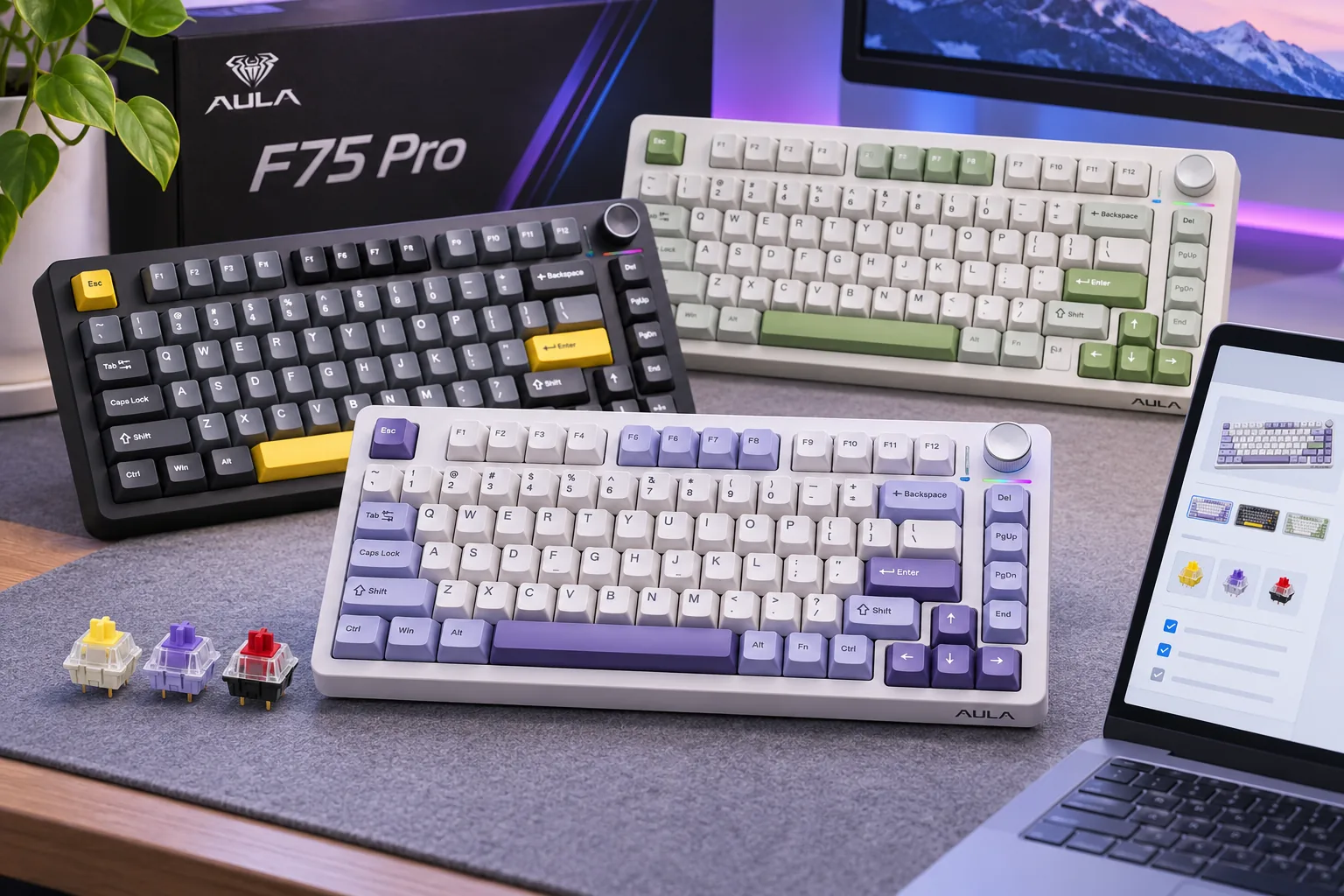
Consider the base F75 or F75 Pro if you prefer a conventional mechanical model. AULA lists those as distinct catalog entries; compare their own product pages and manuals rather than applying F75 HE polling, battery, or switch details to them. The AULA compact keyboard guide provides a broader overview of the family, while this guide is focused on Hall Effect features. S02
There is no verified hands-on comparison here of sound, latency, key feel, or gaming outcomes. The most useful decision is whether you want the magnetic features and accept their model-specific setup and compatibility requirements.
Compatibility and US purchase checks
Before buying, confirm the full model name is F75 HE, check the selected color and switch option, and review the exact replacement-switch specifications if you intend to customize it. “F75,” “F75 Pro,” “F75HE,” and “F75MAX” appear as separate AULA catalog models; a shared family name is not enough to infer parts compatibility. S01 · S02
AULAGAMING says its official site is open to the US market, but that does not confirm a particular F75 HE variant is available or deliverable to your address. Verify the selected option, shipping destination, order status, and warranty during checkout. S01 · S04
As an Amazon Associate I earn from qualifying purchases. Search for AULA F75 HE keyboards on Amazon. This shopping search is not evidence that an exact variant, seller, or current stock status is available.
Frequently asked questions
What does SOCD mean on the F75 HE?
SOCD means simultaneous opposing cardinal directions, such as pressing left and right together. A device or game needs a resolution rule, but the reviewed AULA sources do not identify the F75 HE’s specific modes. Do not assume a particular priority or neutral behavior. S05 · S01
Is Rapid Trigger the same as adjustable actuation?
No. They are separate features: one sets a registration point, while the other changes reset behavior based on movement. AULA lists both for the F75 HE. S01 · S06
Can I put ordinary mechanical switches in the F75 HE?
Do not assume so. AULA describes the HE switches as hot-swappable, but that does not establish compatibility with conventional MX mechanical switches. Check the exact F75 HE replacement-switch specification before ordering parts. S01
Final choice: AULA F75 HE
Choose the AULA F75 HE if its magnetic actuation and Rapid Trigger features match how you want to use the keyboard S01 · S06; choose a conventional F75 model if you prefer mechanical switches S02. Before ordering, confirm the exact model’s replacement type and US checkout terms S01 · S04. AULA-specific SOCD modes remain unverified S01 · S05.
Sources checked November 7, 2026