As an Amazon Associate I earn from qualifying purchases.
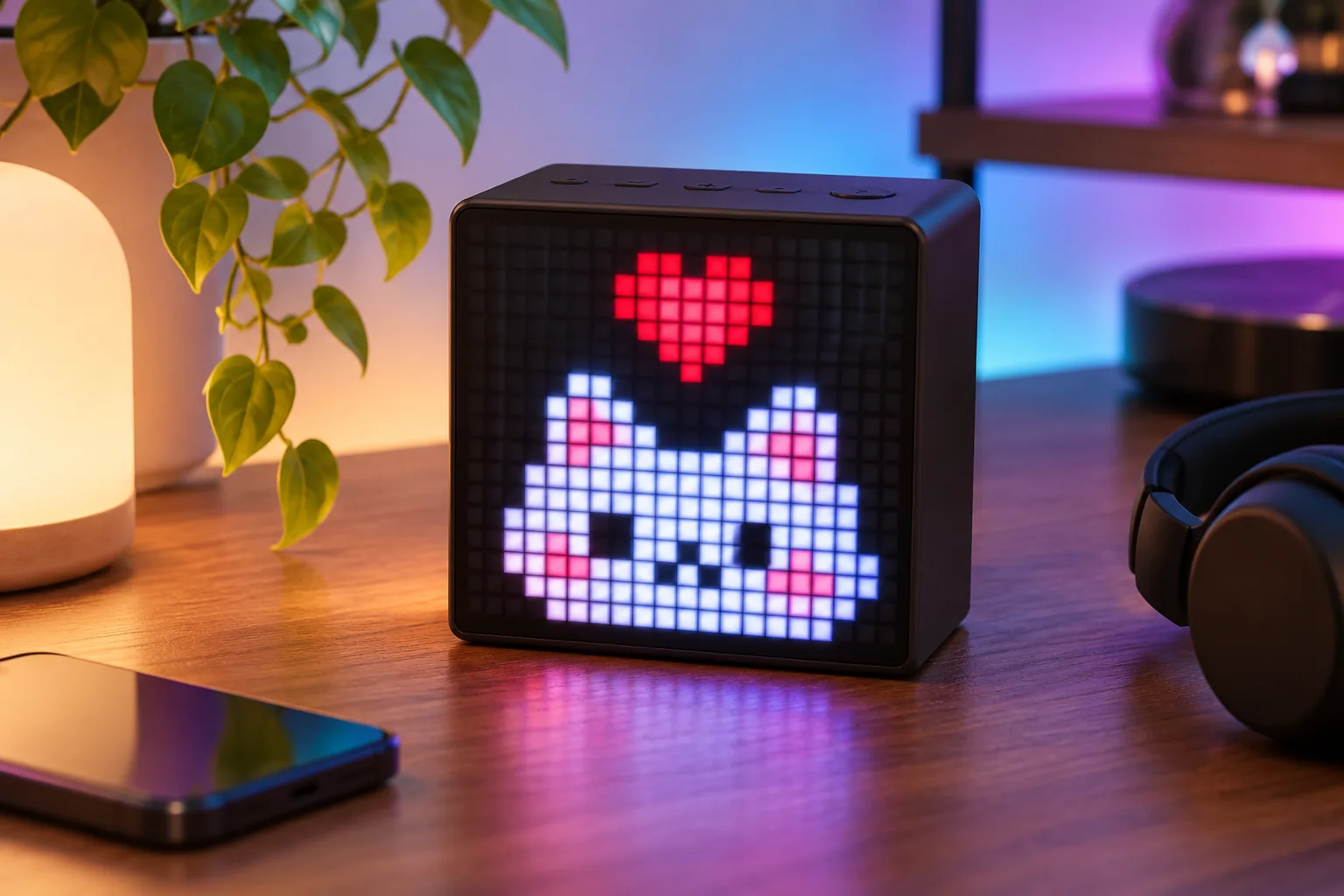
Divoom Timebox-Evo is a Bluetooth speaker with a 16×16 pixel display for buyers who want music and customizable art in a compact desk or bedside device. These are vendor specifications, not sound or reliability test results (Timebox-Evo product page; Divoom FAQ).
| If your priority is… | What the current Evo documentation supports |
|---|---|
| A small pixel display with a speaker | A 16×16 LED panel paired with Bluetooth audio |
| Desk or bedside routines | The page advertises clock, sleep, timing and other companion features |
| Creating display content | The product page describes app-based pixel art and clock faces |
| A microphone, karaoke or call feature | The reviewed evidence does not establish those functions for Timebox-Evo |
| Exact offline or account behavior | Not established; verify the current app requirements for the feature you plan to use |
In this guide
Divoom Timebox-Evo features and fit
The 16×16 panel is a small, low-resolution canvas suited to simple icons, clock faces and short animations rather than detailed text or photos. That distinction follows from the stated grid size, not a brightness or viewing-distance test (Timebox-Evo product page; Divoom FAQ).
Divoom lists a 6W DSP-tuned driver. This guide does not compare loudness, bass, clarity, battery life or audio quality against another speaker. It leaves out battery estimates and other legacy values that the reviewed research could not confidently bind to the current Evo model (Timebox-Evo product page).
App features and limits
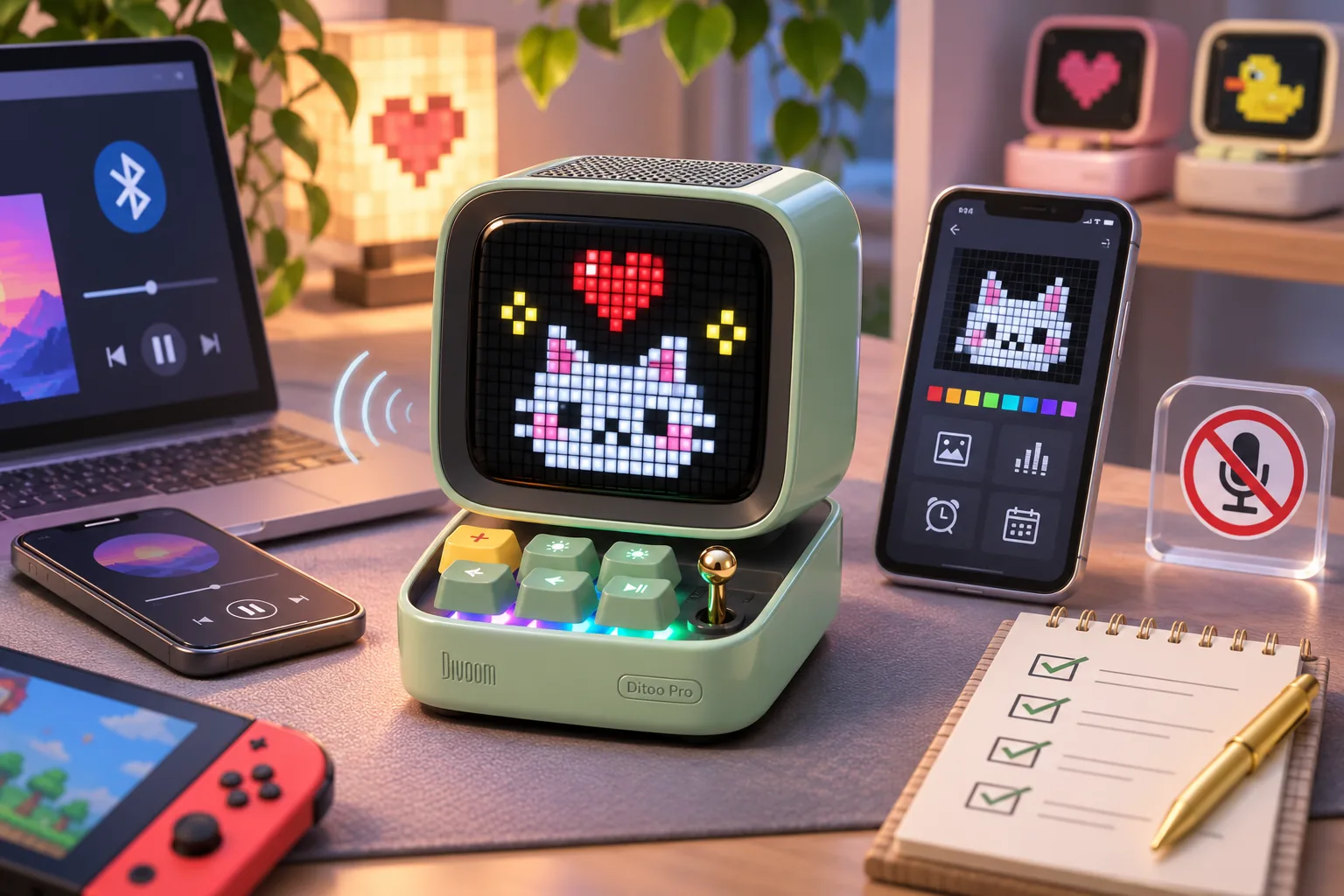
The product page describes app-created or browsed pixel art and clock faces, plus a music visualizer, alarm, nature-sound sleep aid, social notifications, stopwatch, weather reports and mini games. These are advertised functions, not independently verified tests of each phone, firmware or app version (Timebox-Evo product page).
The reviewed pages do not settle exact app permissions, which widgets are currently available, or what keeps working without an account or internet access. Bluetooth identifies the documented audio role; it does not by itself prove that every display or community feature works offline. If offline operation or a particular notification/widget matters, check the current app setup and model-specific instructions before buying (Timebox-Evo product page; Divoom FAQ).
This guide covers the exact Timebox-Evo name and does not compare it with other Timebox products. Do not transfer battery, audio or feature claims from a listing that uses a different model name. Ask for the exact model shown on the box or matching manual if a retailer’s title is abbreviated.
US buying checks
Choose the Divoom Timebox-Evo if your goal is a small pixel-art display that also plays Bluetooth audio and offers the manufacturer-listed desk functions. Reconsider it if you need a larger, detailed screen, a proven offline setup, a microphone, or a sound-quality winner based on testing; the reviewed evidence does not establish those claims.
Availability and shipping terms can change, and this guide does not verify checkout or delivery to a specific address. Before ordering, confirm that the selected listing says Timebox-Evo, then recheck the color, package details, shipping and return terms on the official product page. Before you decide, write down the must-have app feature, whether the screen must work offline, and whether you need calls or karaoke; verify each against the exact model’s current documentation.
The live Desk Displays hub points to other display guides if a speaker is not the main job you need the device to do.
As an Amazon Associate I earn from qualifying purchases. Search Amazon for Divoom Timebox-Evo as a shopping aid; confirm the exact model name and current seller terms before ordering.