As an Amazon Associate I earn from qualifying purchases.
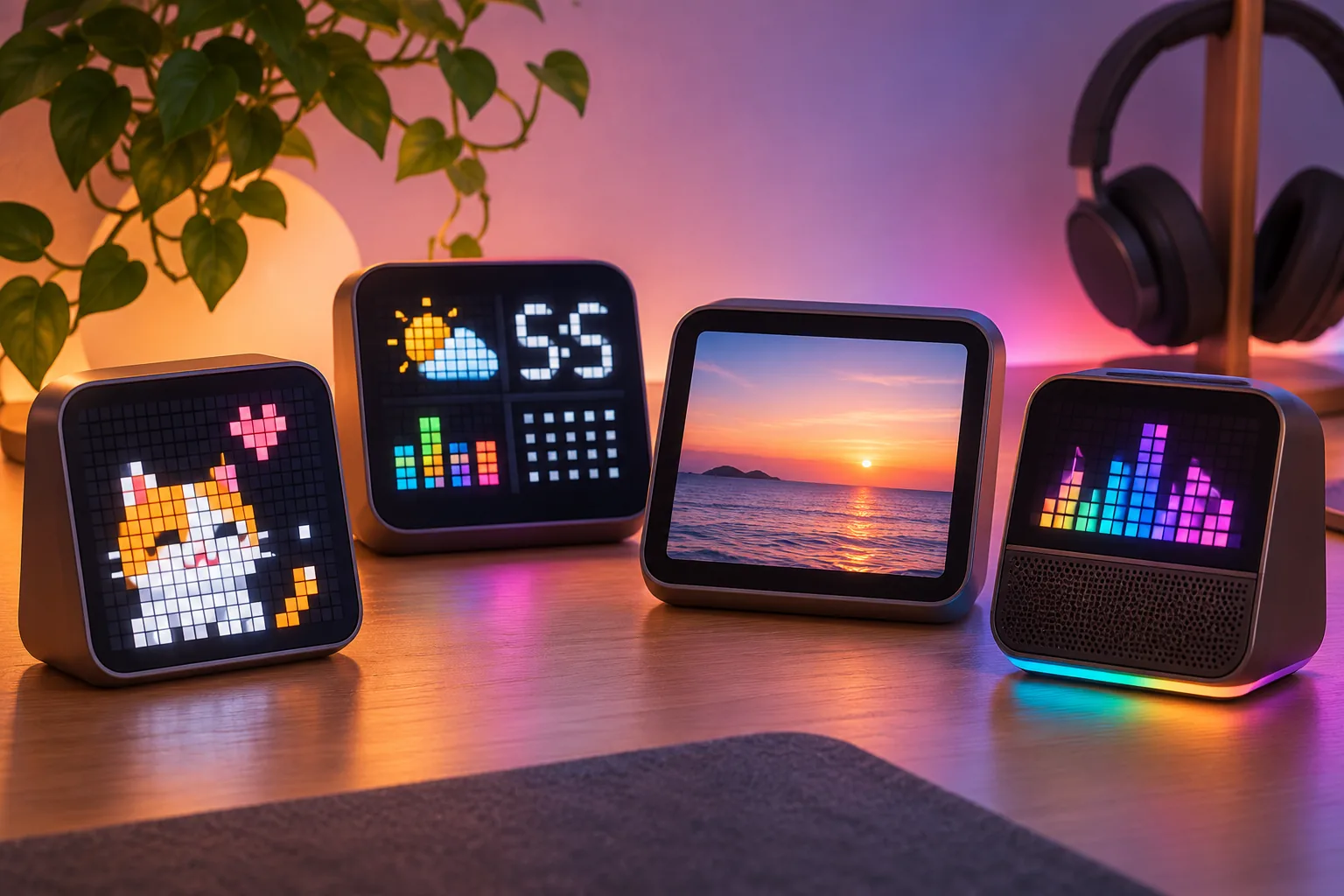
Choosing a Divoom pixel display depends on whether you want pixel art specifically or a desk display for another job. This seven-product comparison also covers photo-frame, dashboard, and speaker roles. Pixoo models are pixel-art canvases at different grid sizes; Times Gate is a five-screen information display; Times Frame is a Wi-Fi photo-frame and desk-display format; Ditoo-Pro and Timebox-Evo combine a small pixel screen with Bluetooth audio. This is a seven-product use-case comparison, not a complete Divoom catalog or a hands-on quality ranking (Divoom display collection).
| Choose this role | Models in this bounded comparison | What the manufacturer documents |
|---|---|---|
| Compact pixel art | Pixoo | 16×16 pixel-art display |
| Larger pixel-art decor | Pixoo-Max | 32×32 LED canvas |
| Large pixel canvas and selected counters | Pixoo-64 II | 64×64 LED panel; current listing specifies dual-band 2.4/5 GHz Wi-Fi and selected app widgets |
| Multi-panel information | Times Gate | Five full-color 128×128 LCD screens for information and custom visuals |
| Photos and desk information | Times Frame | Wi-Fi digital photo frame with a transparent IPS display |
| Music plus a small pixel screen | Ditoo-Pro or Timebox-Evo | Bluetooth speaker/display devices; Ditoo-Pro separately lists USB-C and TF-card playback |
In this guide
- Divoom Pixel Display options by format
- Choose an information, photo or speaker display
- Check connectivity and the exact listing
Divoom Pixel Display options by format
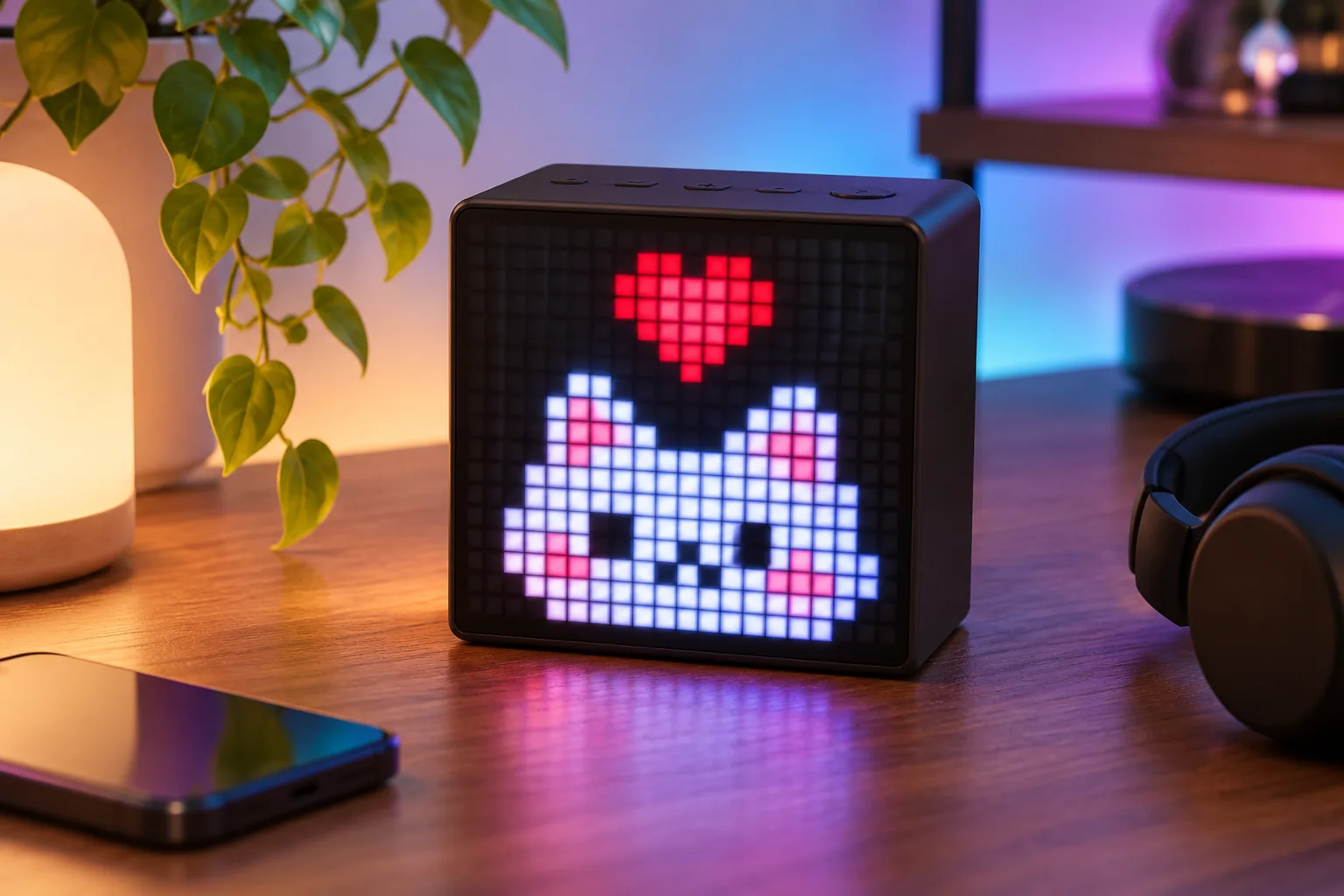
For compact pixel art, Divoom lists Pixoo as a 16×16 LED display. Pixoo-Max expands the grid to 32×32, while Pixoo-64 II uses a 64×64 panel. These are different display sizes and product names, not three generations of one interchangeable model. A larger pixel grid gives more addressable pixels; the cited specifications do not establish brightness, image quality or real-world viewing distance (Pixoo; Pixoo-Max; Pixoo-64 II).
Pixoo-Max is the middle-size option in this group for room or desk decor. Divoom describes app-made art, animations and widgets, but this comparison does not test how those look in a particular room. Pixoo-64 II pairs its larger grid with selected counters/widgets and an explicitly listed dual-band Wi-Fi connection. Social platform access and live data can change, so confirm the current app and widget support if a specific counter is the reason you are buying (Pixoo-Max; Pixoo-64 II).
Keep the name Pixoo-64 II exact when shopping. The separate Pixoo is the 16×16 model, and Pixoo-Max is 32×32; neither is an earlier Pixoo-64 generation. Check the product title, selected variant and matching manual instead of relying on “Divoom pixel display” or “64x64” wording alone (Pixoo; Pixoo-64 II).
Choose an information, photo or speaker display
Times Gate serves a different job from a single pixel-art grid: its product page describes five full-color 128×128 LCD screens that can show information and custom visual content at once. It is the clearest fit here if the goal is a multi-panel dashboard. The listing describes information widgets, but the research does not establish uninterrupted live-data accuracy or a specific account’s available services (Times Gate).
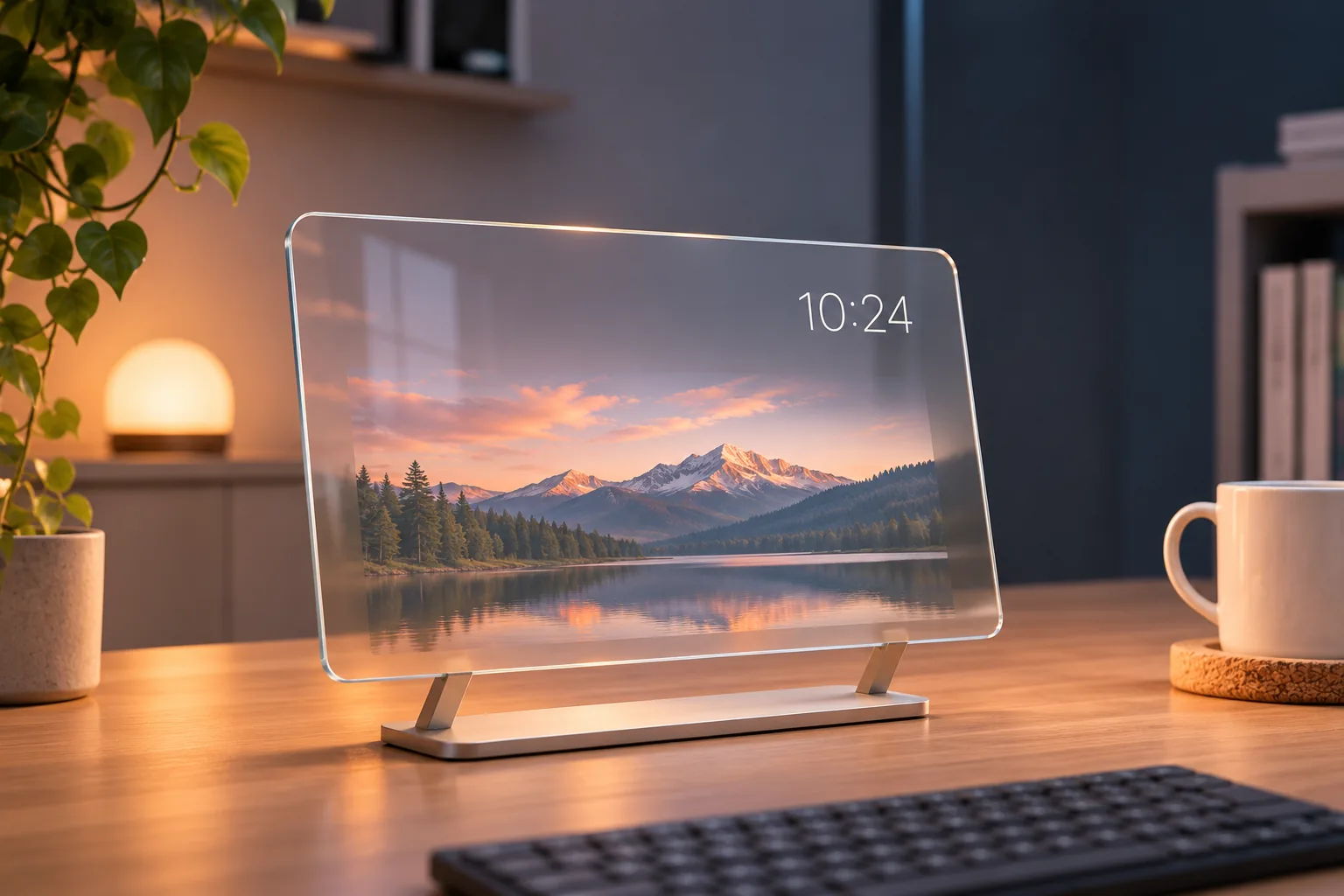
Times Frame is the photo-first choice in this set. Divoom calls it a Wi-Fi digital photo frame and smart desk display with a transparent IPS screen. That supports a different format from the Pixoo LED grids; the evidence in this package does not settle its upload details, widget availability, storage, offline behavior or privacy architecture. See the live Times Frame guide for the existing model-specific coverage, and verify current app requirements for your own use (Times Frame product page).
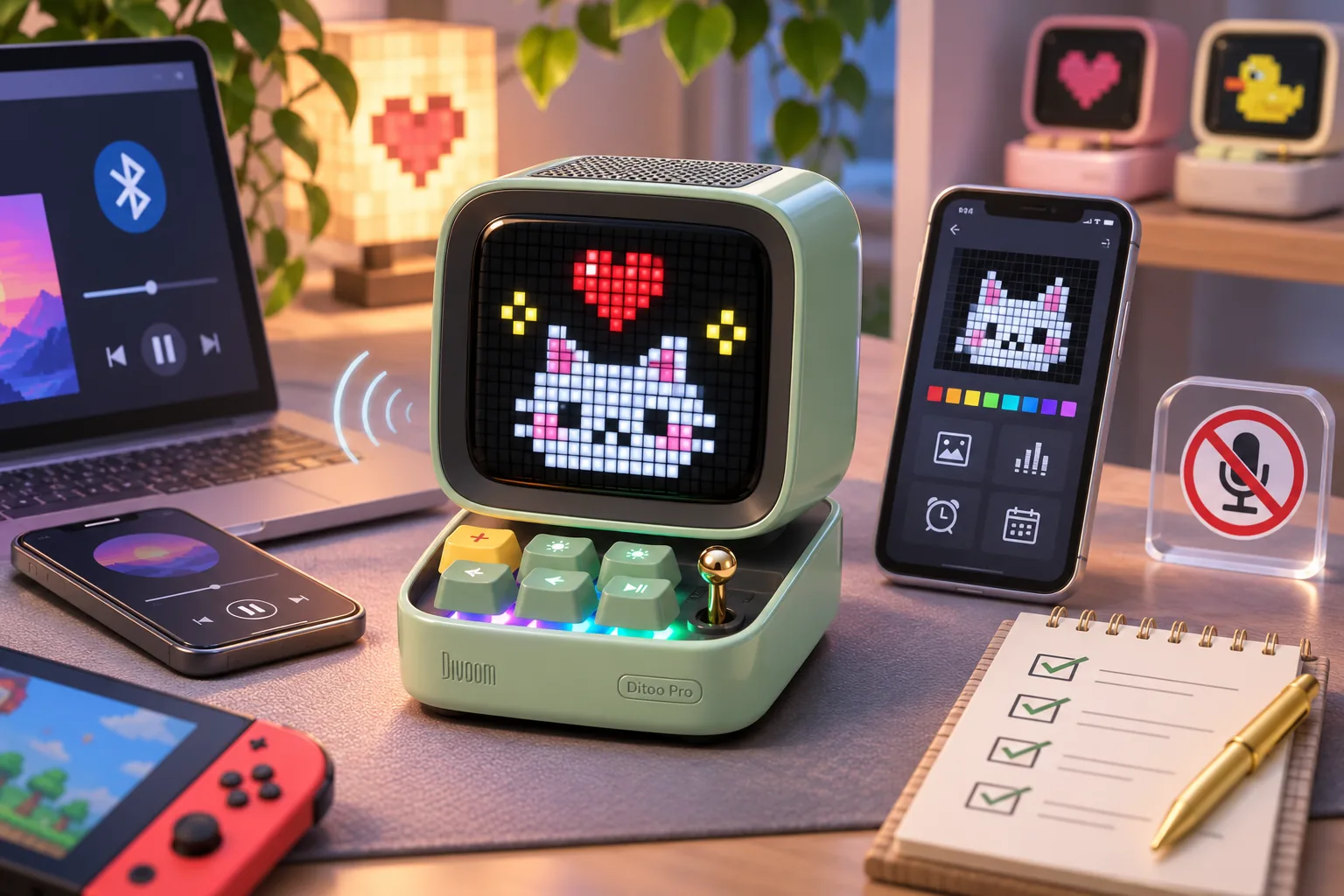
If audio is part of the purpose, Ditoo-Pro and Timebox-Evo are the speaker/display choices. Both are described as Bluetooth speaker/display devices with compact pixel screens. Ditoo-Pro’s current listing additionally identifies USB-C and TF-card audio playback; do not assume those connections or its other functions also apply to Timebox-Evo. This is a role distinction from manufacturer pages, not a comparison of sound quality or reliability (Ditoo-Pro; Timebox-Evo).
Check connectivity and the exact listing
The cited pages do not support a blanket rule that every Divoom display uses the same network or works offline. Pixoo-64 II’s page explicitly lists dual-band Wi-Fi, and Times Frame is described as Wi-Fi enabled. Times Gate’s source describes app-driven panels; the speaker models use Bluetooth for audio. Treat each model’s current setup requirements separately, and verify a specific widget or platform integration in the app before depending on it (Pixoo-64 II; Times Frame; Times Gate).
Use this checklist before you order:
- Check that the seller page and selected variant name the intended product, especially Pixoo-64 II versus Pixoo and Pixoo-Max; do not rely on generic “Divoom pixel display” wording.
- Decide whether you need a pixel canvas, several dashboard panels, a photo-first display, or Bluetooth audio; the similar desk-friendly styling does not make their jobs interchangeable.
- Check current app, Wi-Fi and widget requirements for the exact model and function. This research did not test a router, account, offline mode or live feed.
- Recheck the selected SKU, package contents, US shipping and returns at checkout. Storefront labels and features can change; no checkout comparison was made.
A Divoom pixel display suits pixel-art use, while the related devices here cover photos, dashboards, and Bluetooth audio. Use the role table to narrow the format, then verify exact model features before buying; this guide does not identify one universally best display. For the full set of current product roles, use Divoom’s display collection and verify the model-specific details that matter to your setup. The live Desk Displays hub links to related guides.
As an Amazon Associate I earn from qualifying purchases. Search Amazon for Divoom desk displays as a shopping aid; check the exact model, generation and seller terms before ordering.