As an Amazon Associate I earn from qualifying purchases.
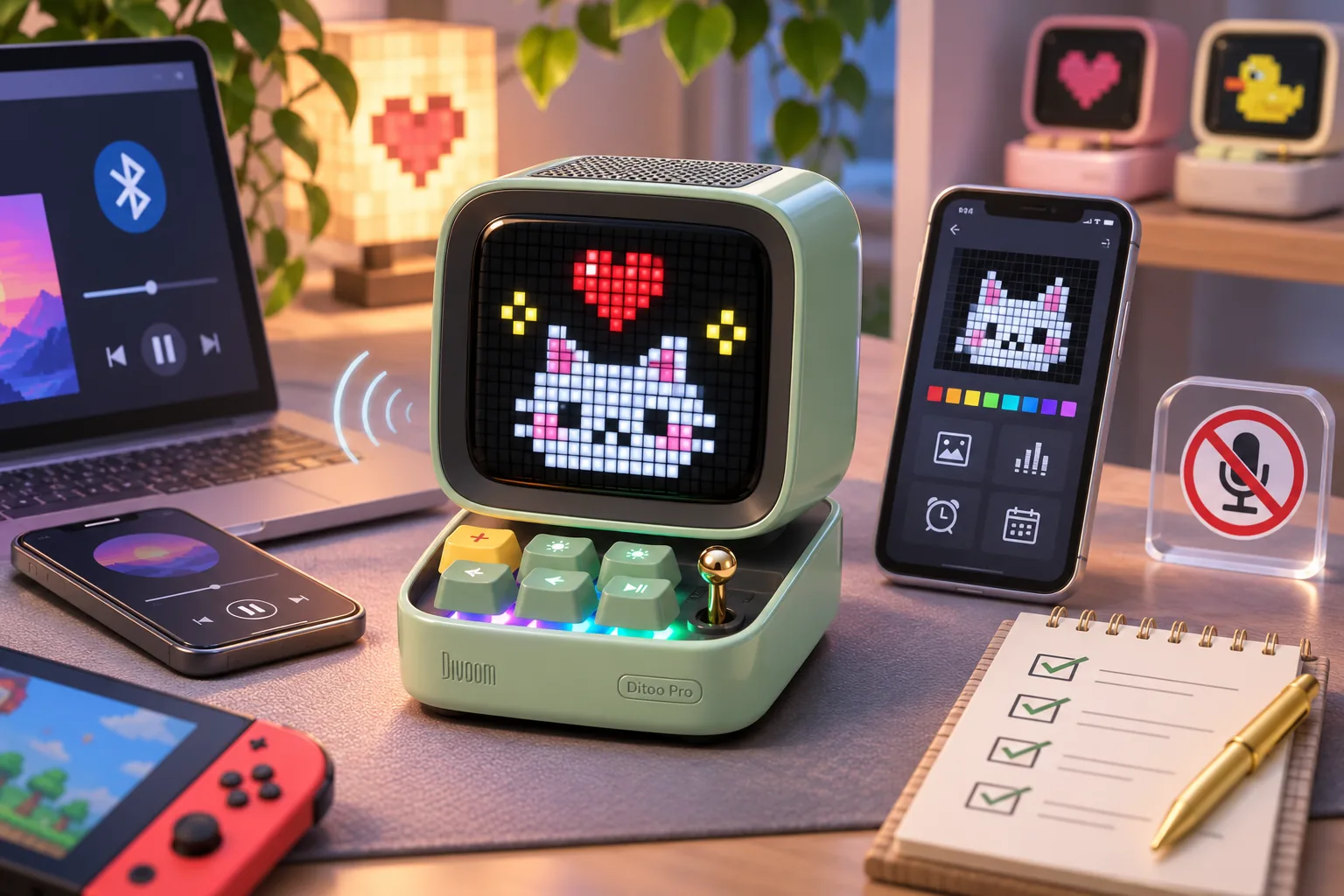
The Divoom Ditoo Pro (styled Ditoo-Pro on the current product page) is a retro-computer-style Bluetooth speaker with a 16×16 pixel display and desk features. It suits someone who wants music and a small customizable display together; it is not the microphone-equipped Ditoo-Mic. The details below are manufacturer specifications, not hands-on listening or reliability tests (Ditoo-Pro product page; Divoom FAQ).
| If you want… | What Ditoo-Pro documentation supports |
|---|---|
| Pixel art on a compact speaker | A 16×16 pixel screen paired with Bluetooth audio |
| More than Bluetooth playback | Divoom lists USB-C audio and TF-card playback as additional paths |
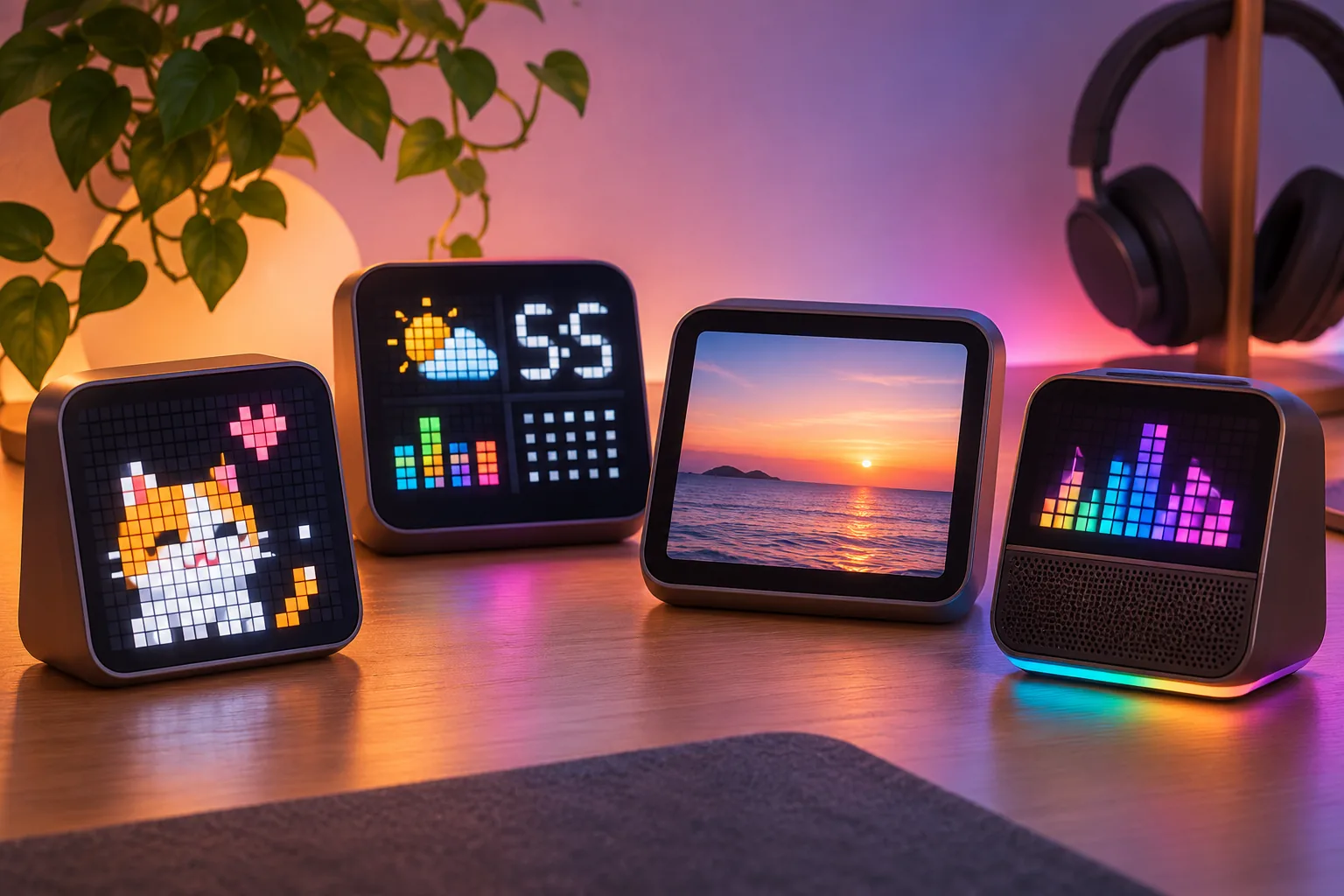
| Desk or bedside routines | The product page lists clock/alarm, white noise, Pomodoro, FM radio and mini games |
| Karaoke or a mic for calls | Not a fit: Divoom says Ditoo-Pro has no microphone |
| Exact TF-card compatibility | Not established on the reviewed page; check the manual for the card format and capacity |
In this guide
- Divoom Ditoo Pro features and limits
- Playback, app and display limits
- Ditoo model names and US buying checks
Divoom Ditoo Pro features and limits
Ditoo-Pro has a miniature vintage-computer shape, keyboard-style buttons and a joystick. Divoom lists 15W speaker output; this guide does not compare measured volume, clarity, bass or battery life (Ditoo-Pro product page).
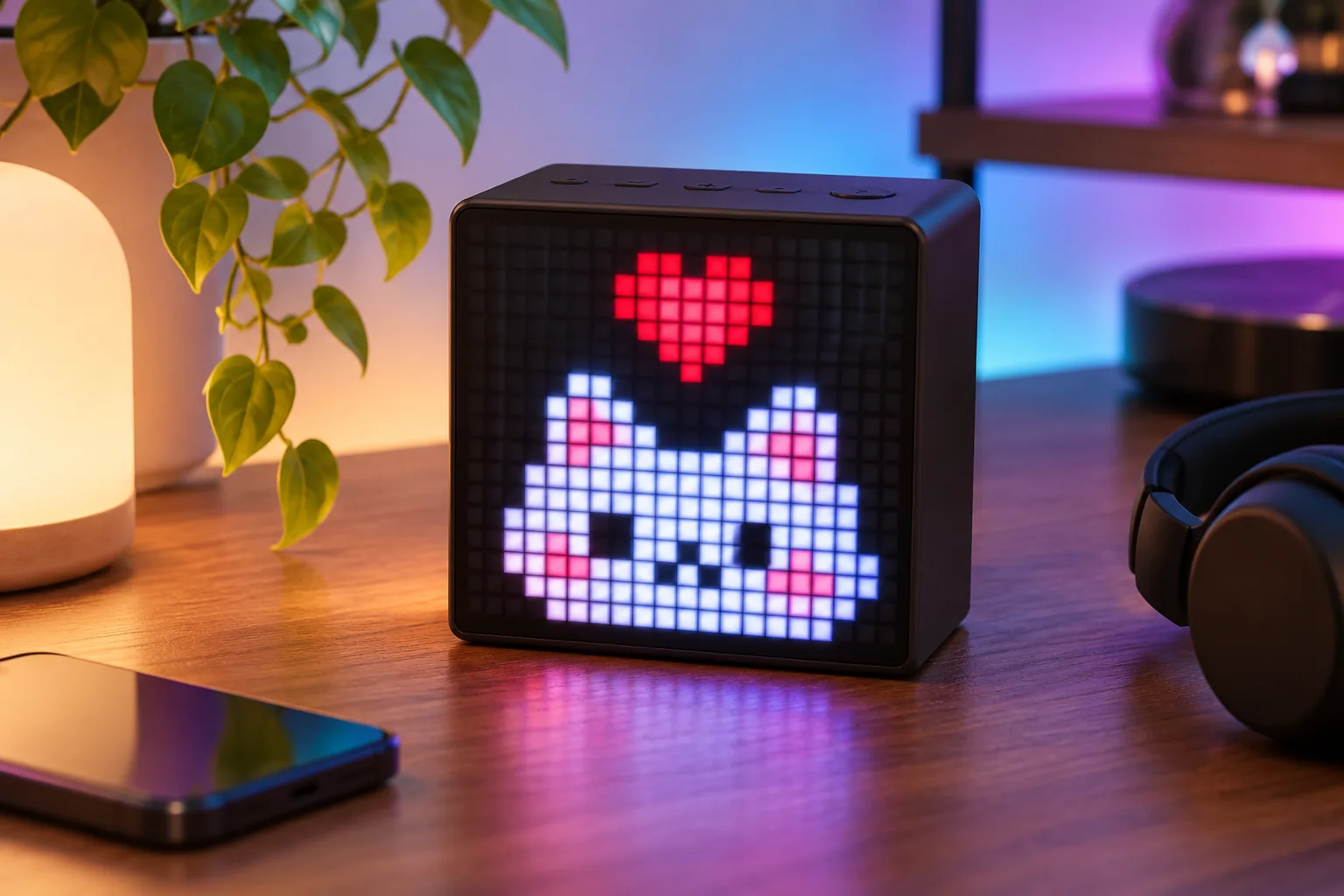
The FAQ identifies the display as 16×16 pixels. That grid gives the device a low-resolution pixel-art character: it suits icons, short animations and clock faces better than detailed text or photographic images. This is a format observation based on the stated grid size, not a brightness or image-quality test (Divoom FAQ).
Divoom also describes app-based pixel art and animations. Feature availability can depend on app version and device support, so verify a specific function in current setup guidance (Ditoo-Pro product page).
Playback, app and display limits
Divoom lists USB-C and TF-card playback alongside Bluetooth, but its public page does not specify TF-card capacity, file formats or a complete supported-device table. If local-card playback matters, confirm those details in the model-specific manual before ordering (Ditoo-Pro product page).
The Divoom app is the documented route for creating or selecting pixel art and changing display content. The reviewed product page and FAQ do not establish that Ditoo-Pro uses Wi-Fi, how much of the community gallery depends on cloud access, or which settings continue to work offline. If you need a display that operates without an app or network connection, do not infer that behavior from the word “Bluetooth”; check the current manual and app setup requirements first (Ditoo-Pro product page; Divoom FAQ).
Ditoo-Pro is also not a karaoke speaker. Divoom says the Pro has no microphone and distinguishes it from Ditoo 5-Mic / Ditoo-Mic, which includes microphone interaction. The company’s FAQ also says Ditoo-Pro is not designed mainly for phone calls or hands-free calling. Choose a model that explicitly lists a microphone or call feature if that is the purpose (Divoom FAQ).
Ditoo model names and US buying checks
Keep Ditoo-Pro separate from older Ditoo names and Ditoo Plus. The official pages reviewed here do not provide a complete revision-by-revision comparison for those products, so similar styling or a shortened “Ditoo” title is not enough to assume the same display, controls or playback support. Divoom’s manual library says to identify a product from the label on the unit, the retail box or the device name in the app; look for the exact “Ditoo-Pro” name and its matching manual (Divoom Product Manual).
At the time of research, Divoom’s US product page showed five color names and an “in stock, ready to ship” label, with US shipping information. That is a dated storefront snapshot, not confirmation that every color is available at checkout or that a specific address qualifies for a delivery estimate. Recheck the selected color, package contents, shipping and returns on the official product page.
Before buying, match the Divoom Ditoo Pro to the job: choose it for a compact pixel display plus speaker and desk routines; skip it if you need a microphone, a high-resolution screen, or documented offline/cloud behavior. The live Desk Displays section links to other guides if your priority is a display-first device instead.
As an Amazon Associate I earn from qualifying purchases. Search Amazon for Divoom Ditoo-Pro as a shopping aid; check that the listing identifies Ditoo-Pro rather than Ditoo Plus, an older Ditoo or Ditoo-Mic.