As an Amazon Associate I earn from qualifying purchases.
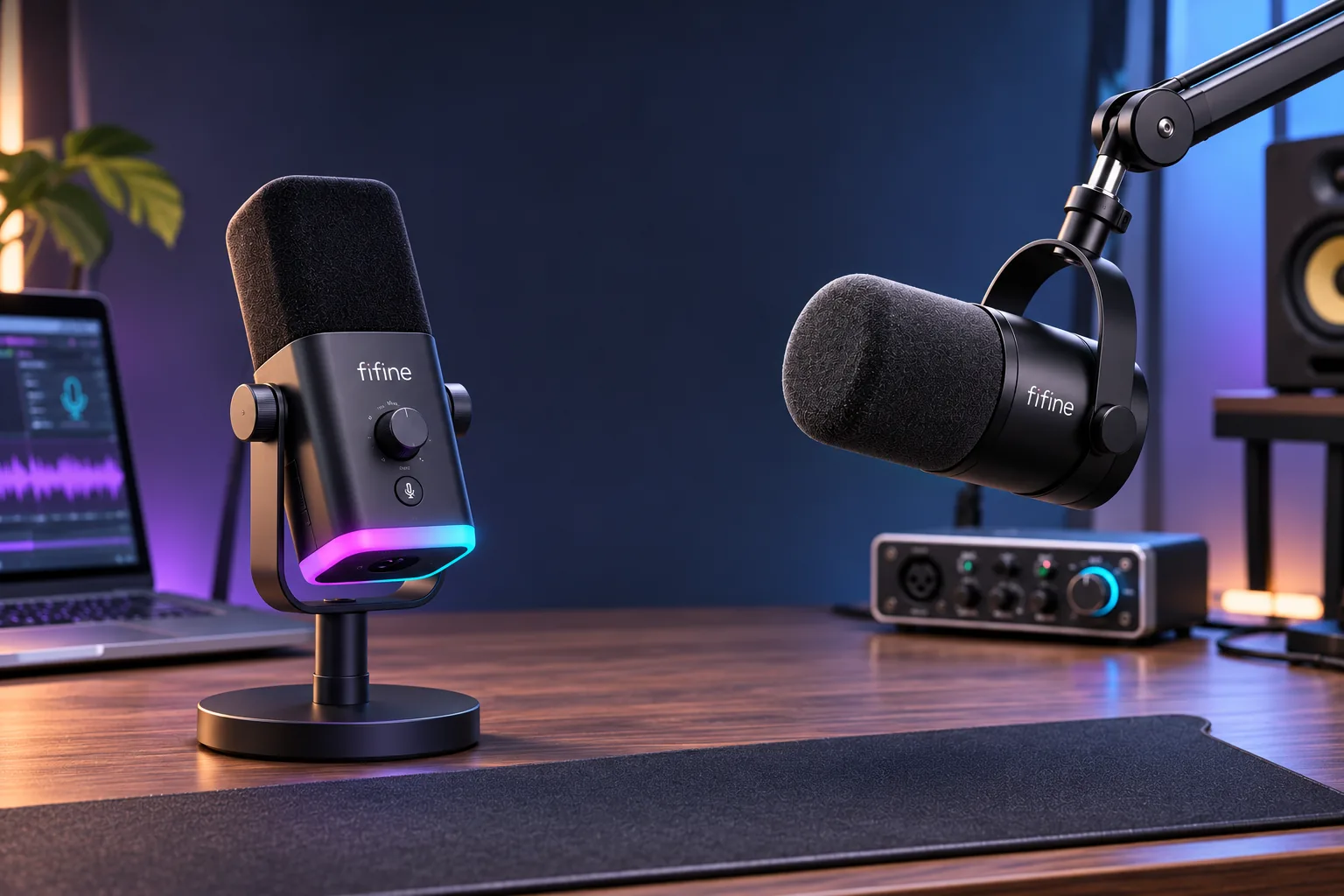
If you want a microphone that can sit on your desk without buying a separate stand, choose the FIFINE AM8 base option: its listed package includes a desktop base and USB cable. Choose the FIFINE K688 if you already have a stand or boom arm in mind and want the default package's round shock mount. Both are dynamic cardioid microphones with USB and XLR connections, so your desk, cable path, and connection mode are more useful decision points than an untested sound-quality ranking. FIFINE lists AM8 options and features; its K688 page lists the corresponding options and features.
In this guide
- At a glance
- USB and XLR differences
- Default package and desk fit
- Setup checklist
- Frequently asked questions
At a glance
| Decision point | FIFINE AM8 | FIFINE K688 |
|---|---|---|
| Microphone type and connections | Dynamic cardioid; USB and XLR | Dynamic cardioid; USB and XLR |
| Default selector option | Base stand + USB cable | Round shock mount; no stand |
| USB details | Gain, headphone volume, monitoring, mute, and RGB functions are listed; FIFINE marks onboard controls/RGB inactive in XLR mode | USB cable is listed as 8.2 ft; mic and headphone controls, monitoring, and mute are described for USB mode |
| XLR cable | Not included with the standard AM8; the page shows a separate AM8PLUS option with an XLR cable | Not included with the standard K688; check a separately named option if its bundle matters |
| Mounting | Base included in the AM8 option; yoke has 3/8- and 5/8-inch threads | Default option has a shock mount but no stand; page lists a 5/8-to-3/8-inch adapter |
These are manufacturer-listed features and option labels, not a claim that one mic sounds better. FIFINE's selector includes other AM8 and K688 packages, so the default row does not describe every bundle. Confirm the exact selected option before checkout.
FIFINE AM8 vs K688: what changes over USB and XLR?
For a computer-first setup, USB is the simpler starting point on either model. The AM8 uses its USB cable for a direct computer connection, while FIFINE lists an 8.2-foot USB cable with the K688. After connecting, select the FIFINE microphone as your system and app input, then make a short test recording or check the input meter. Choose the headphone output you actually plan to use; seeing the mic as an input does not by itself set your app's output device.
The USB controls are another practical difference in how FIFINE presents the two products. The AM8 page lists gain, headphone volume, live monitoring, touch mute, and RGB. The K688 page describes a mute function, gain control, mic/headphone volume controls, and real-time monitoring. FIFINE says the AM8's RGB, mute, and function keys are inactive over XLR; its K688 page likewise says the mic's function keys are USB-only. If physical mute and mic-side adjustments matter during a stream or call, plan to use USB. See FIFINE's AM8 connection and mode notes and K688 USB/XLR details.
XLR is the better fit when your existing setup already includes an audio interface or mixer with a suitable microphone input. Each microphone needs a separate XLR cable in its standard option, and the XLR connection carries an analog signal to that external equipment. A USB/XLR microphone does not replace the interface or mixer. Before buying, check that you have the cable and receiving device, and decide whether the external device gives you the input gain and headphone monitoring you need. Do not assume that AM8 or K688's USB controls remain available in XLR mode.
Which default package fits your desk?
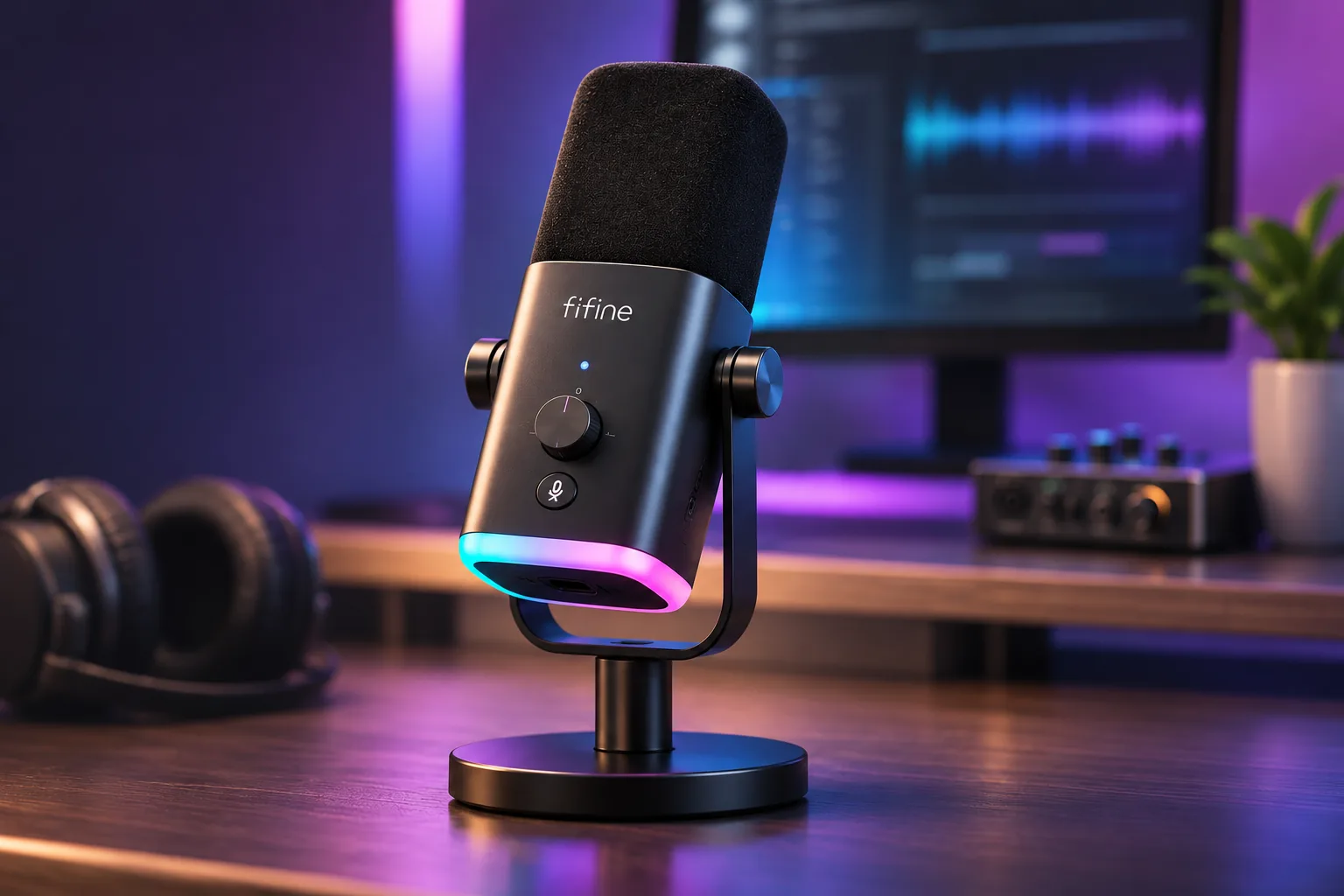
The AM8 is the more straightforward pick if you want a tabletop setup right away. FIFINE's default AM8 option names a base stand and USB cable. Its page also shows separate selections such as the AM8T with a CS1 boom arm, a BM88 arm bundle, a BS1 adjustable stand, and AM8PLUS with an XLR cable. Those are distinct options: choosing the standard AM8 does not mean the CS1 arm or XLR cable is included. The AM8 yoke has 3/8- and 5/8-inch mounting threads if you later use a compatible arm.
The default K688 option is labeled as a round shock mount with no stand. The page lists separate options for a CS1 arm (K688CT), BM63 arm (K688T), BM88 bundle, and other K688 variants. The K688 page also describes a 5/8-to-3/8-inch adapter for boom-arm fit. If you are buying the default K688, budget and plan for a stand or arm separately; if you choose a named bundle, verify that exact selector label rather than carrying over the default package description. A matching thread is only one part of fit: check the arm's clamp dimensions and load guidance against your desk and complete mounted setup.
This leads to a simple decision: AM8 for an included desktop base; K688 when your mounting plan already accounts for the missing stand. Choose by the package you will actually receive, not just by the model name in a search result.
A quick setup checklist
- Choose the connection first. For USB, use the supplied USB cable and select the FIFINE mic as the input in your operating system and recording, streaming, or meeting app. For XLR, have a separate XLR cable and an interface or mixer ready.
- Match the included hardware to the desk. AM8's base can sit on a clear desk area. The standard K688 has no stand, so confirm the exact arm or stand you plan to use, including thread fit, clamp clearance, and support for the complete assembly.
- Check the exact option label. AM8T, AM8PLUS, K688CT, and K688T name different bundle selections; do not assume their accessories are part of the base AM8 or K688.
- Test the whole route. Confirm the app input, monitoring output, mute behavior, and the connection mode before a live session. If you use XLR, check controls at the interface or mixer because the microphones' onboard USB functions are not the XLR control path.
Frequently asked questions
Do the FIFINE AM8 and K688 both support USB and XLR?
Yes. FIFINE lists USB and XLR connections for both dynamic cardioid microphones. USB connects directly to a computer with the listed cable; XLR requires a separate XLR cable and an audio interface or mixer with a microphone input.
Which one includes a stand?
The standard AM8 option is listed with a desktop base and USB cable. The standard K688 option is listed with a round shock mount and no stand. Both pages show additional stand or arm selections, so confirm the exact option you select.
Does either standard microphone include an XLR cable?
FIFINE says the standard AM8 and standard K688 do not include an XLR cable. The AM8 page separately labels an AM8PLUS option with an XLR cable. For any other bundle, rely on its precise selected option and item description.
Which sounds better?
The pages contain manufacturer sound descriptions, but this comparison has no independent listening test. It therefore does not name a sound-quality winner. Choose by documented package contents, controls, and the connection path you can support.
For model-specific package detail, read our FIFINE AM8 buying guide and K688CT vs K688T bundle guide. For a wider shortlist across the models already covered, see our FIFINE microphone guide. Before ordering, match the exact option to your desk and cable plan; these details make the AM8-versus-K688 choice clear without relying on a sound claim that was not tested.