As an Amazon Associate I earn from qualifying purchases.
The exact listing covered here is the EPOMAKER x AULA F87 Pro: an 87-key, 80% tenkeyless mechanical keyboard with USB-C wired, Bluetooth, and 2.4GHz receiver connectivity. It is a fit to consider if you want a compact board without a dedicated number pad, and the product page lets you choose among listed colors and two LEOBOG linear switches. Before ordering, match the seller page to the exact EPOMAKER x AULA name and selected option; AULA also has separate F87 and F87 Pro V2 labels, and those names do not make every package or revision interchangeable. EPOMAKER x AULA F87 Pro product page (S01)
Quick answer: Choose this F87 Pro for its documented TKL layout, tri-mode connection choices, hot-swap sockets, and the particular switch/color combination shown on the product page. Choose only after checking the listing name, selected switches, package contents, and current checkout terms. The evidence here describes the EPOMAKER x AULA listing; it does not independently test typing, sound, battery life, or delivery.
On this page
- Identify the exact F87 Pro listing
- What the 87-key TKL layout means
- Wired, Bluetooth, and 2.4GHz options
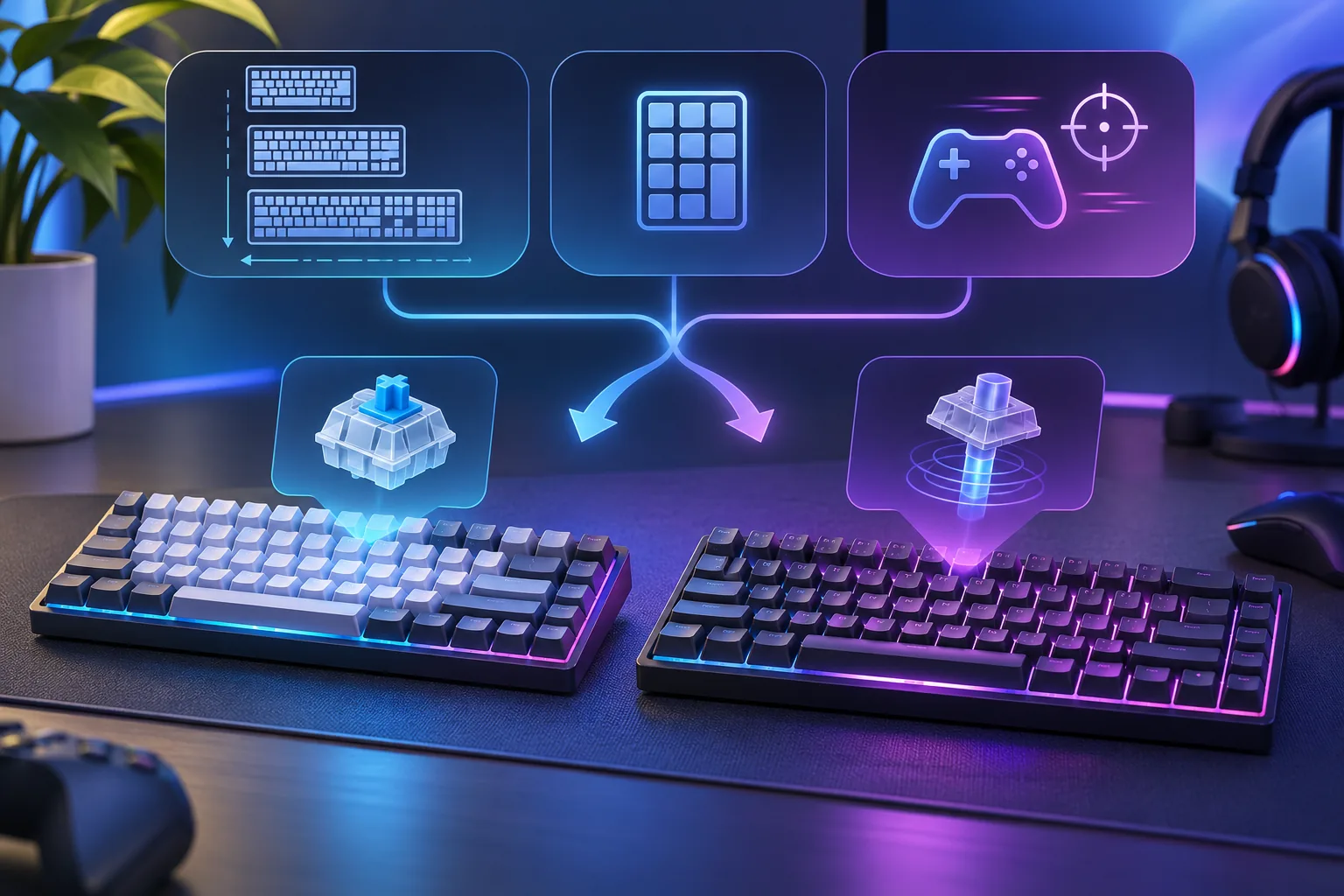
- Choosing between the listed switches
- Build features and box contents
- How to check F87 and F87 Pro naming
- Before-you-buy checklist
- Frequently asked questions
Identify the exact F87 Pro listing
EPOMAKER’s page names the brand as EPOMAKER x AULA and the model as F87 Pro. That is the scope of this guide. AULA’s public materials use overlapping family labels: its keyboard catalog groups an entry as “F87 & 87Pro,” and an official manual titled F87 lists Bluetooth device names containing “F87 Pro.” Those labels show that names can vary across catalog, manual, and regional package; they do not prove that every keyboard called F87 or F87 Pro has identical specifications. EPOMAKER listing (S01) · AULA catalog (S04) · AULA F87 manual (S05)
AULA also publishes a separate product page expressly titled F87PRO V2 and a separately labeled V2 driver page. This confirms that the V2 is a separately named listing. It is not evidence that V2 features belong to the EPOMAKER x AULA F87 Pro. Keep the model labels separate when comparing seller pages, manuals, software, or advertised features. AULA F87PRO V2 product page (S02) · AULA V2 driver listing (S03)
What the 87-key TKL layout means
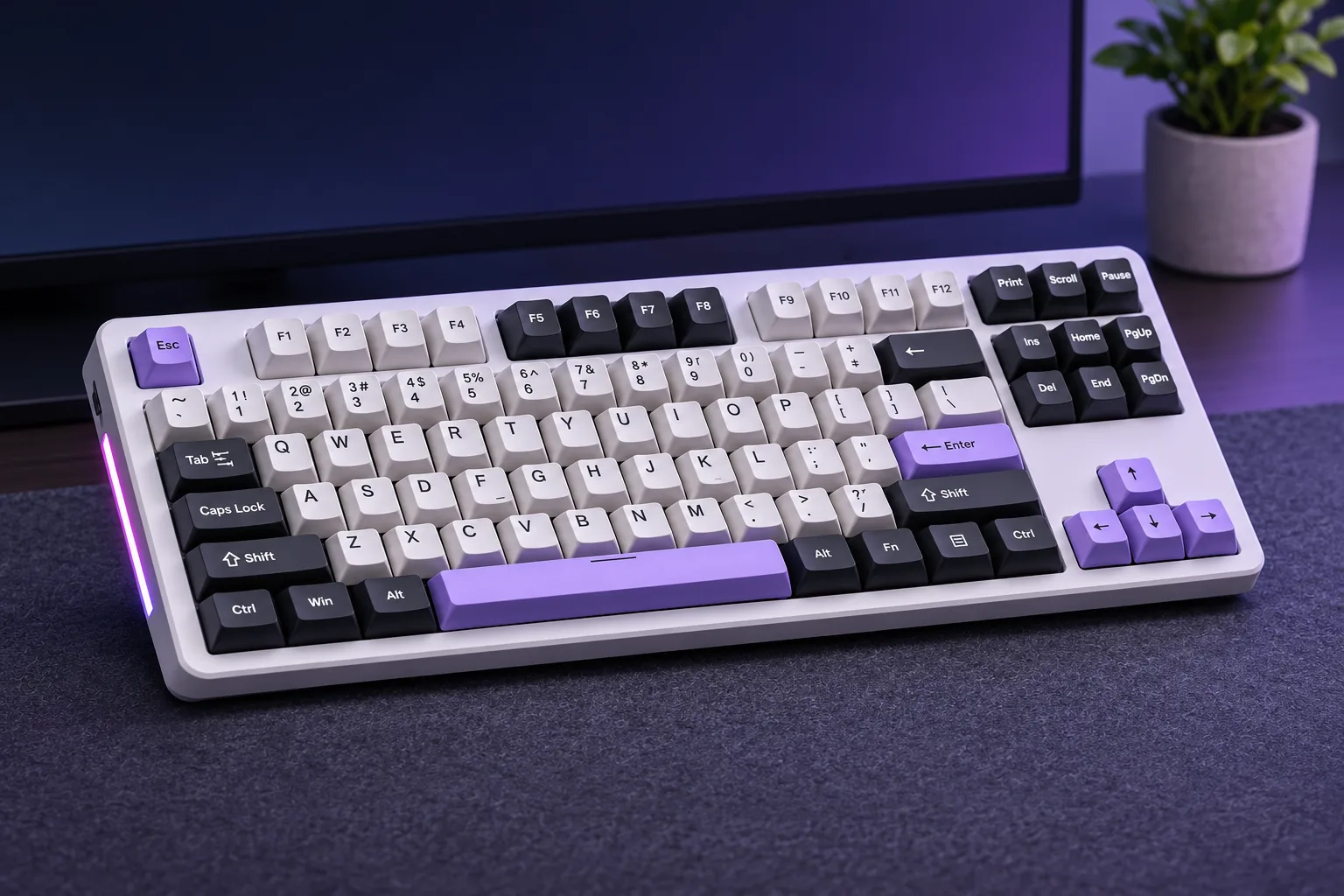
EPOMAKER specifies an 80% (87-key) layout and describes it as compact TKL. It lists dimensions of 365 × 139 × 41 mm and an approximate weight of 1,023 g. These are manufacturer-published specifications for this product page, not independent measurements. “Tenkeyless” signals a layout without a dedicated number pad; if you regularly enter numbers, compare the layout image with your current keyboard before deciding. S01
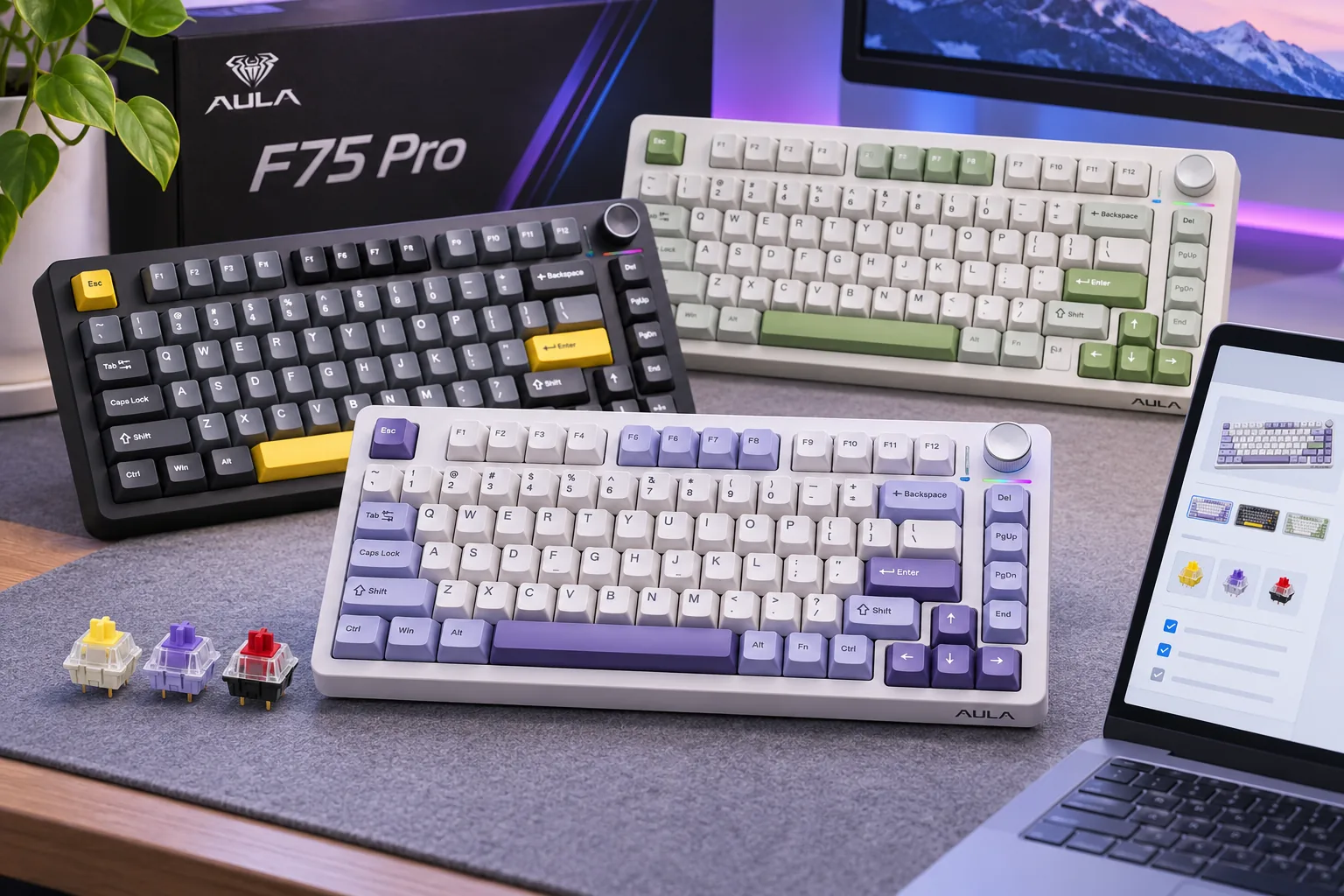
The TKL format gives you a full function row and a navigation cluster in a shorter footprint than a full-size board, but the exact arrangement matters more than the percentage label. Check the product photos against your workflow, especially if you rely on a number pad or use less common navigation keys. For a different compact AULA layout and its documented model distinctions, see the existing AULA F75 buying guide; it covers a separate keyboard, not another F87 Pro version.
The product page lists a 4,000mAh battery. That capacity is a specification, not a runtime result. Battery life depends on use and lighting, and no comparable independent runtime test is included here, so treat the capacity as a model detail rather than a promise of a particular number of hours. S01
Wired, Bluetooth, and 2.4GHz options
The F87 Pro listing presents USB, Bluetooth, and wireless-dongle connections. Its included-items list names a detachable Type-C cable and a 2.4G receiver. That gives you three connection routes to compare: a cable, Bluetooth pairing, or the included receiver. The product page does not establish that every host supports all modes in the same way, nor does this research include verified pairing key combinations; use the manual supplied with the exact package for setup instructions. S01
For a desk setup, decide which connection you will rely on most. A wired connection uses the cable and avoids choosing between wireless links. Bluetooth removes the receiver from the host’s USB port, while 2.4GHz uses the included dongle. If a particular computer has limited USB ports or Bluetooth restrictions, confirm that the connection you need works with that device before buying. This is a setup-fit check, not a claim that one mode has lower measured latency or better reliability.
Choosing between the listed switches
The product page offers LEOBOG Nimbus V3 and LEOBOG Greywood V3 switch choices. It describes both as linear. The figures below are the manufacturer’s listed switch specifications; they are not measurements made for this guide. The trigger-force labels are worded differently, so do not treat the values as a controlled side-by-side test or as a guaranteed feel ranking. S01
| Listed switch | Trigger force on product page | Bottom-out force | Pre-travel | Total travel |
|---|---|---|---|---|
| LEOBOG Nimbus V3 | 34 ± 3 gf | 45 ± 3 gf | 1.3 ± 0.3 mm | 3.7 ± 0.3 mm |
| LEOBOG Greywood V3 | 30 gf minimum | 53 ± 3 gf | 1.5 ± 0.3 mm | 3.6 ± 0.3 mm |
Use these fields to compare what is actually documented: the Nimbus listing gives a force range around 34 gf, while the Greywood listing says 30 gf minimum; their bottom-out and travel figures are also listed separately. Because one trigger value is a minimum and the other includes a tolerance, the table does not establish which switch will feel lighter to every user. If you already know you prefer a certain linear switch, check the exact selected option in the seller interface rather than relying on a general color or product-family description.
Build features and box contents
EPOMAKER describes the F87 Pro with a gasket-mounted structure, five-layer sound-dampening, dual-tone PBT keycaps, per-key RGB with side strips, and full-key hot-swap sockets for 3-pin or 5-pin mechanical switches. These are manufacturer feature claims. They help describe the construction and customization the listing advertises; they do not establish a measured sound profile, typing comfort, or compatibility with every switch sold in the market. S01
The hot-swap specification can matter if you want to replace switches without soldering. Match the replacement to the listed 3-pin or 5-pin support and confirm its physical and electrical requirements; the socket statement is not a guarantee for every switch design. If you do not plan to customize, choose the supplied switch option you actually want and treat hot-swap as a flexibility feature rather than a reason to buy on its own.
The page lists five color choices: White Blue, White Green, Black, Smoke Blue, and Black Grey (Side-Printed). It also lists the following box contents: the keyboard, detachable Type-C cable, 2.4G receiver, 2-in-1 switch/keycap puller, multilingual manual, and two spare switches. EPOMAKER cautions that packaging and included accessories may differ slightly, so compare the live package list and selected variant at checkout. S01
How to check F87 and F87 Pro naming
Use a three-part identity check before ordering:
- Read the full seller title. For this guide, it should say EPOMAKER x AULA F87 Pro. A bare “F87” label does not establish that the item is this exact listing.
- Check for V2 in the model name. AULA has a separate official F87PRO V2 product and support listing. Do not transfer V2-specific screen, polling, battery, or other claims to the EPOMAKER x AULA F87 Pro. S02 · S03
- Match the selected option and package. Confirm the color, switch, connection receiver, cable, and accessory list shown for the exact order. A product-family page or older manual may use broader naming than the seller’s exact variant.
The EPOMAKER page and the AULA F87 manual both list 87 keys, but the manual is titled F87 and includes F87 Pro Bluetooth names. That is not a documented key-count disagreement; it is a reason to avoid assuming the manual proves package equivalence. The exact EPOMAKER listing remains the source for this guide’s F87 Pro specifications. S01 · S05
Before-you-buy checklist
- Confirm the full model name is EPOMAKER x AULA F87 Pro, and check that it does not say F87 Pro V2.
- Decide whether an 87-key TKL layout without a dedicated number pad fits your work.
- Choose the listed Nimbus V3 or Greywood V3 switch based on the exact option and published switch details, not on an unsupported sound or comfort ranking.
- Confirm whether you need USB-C, Bluetooth, or the 2.4GHz receiver and check compatibility with your host device.
- Verify the selected color, package list, current stock, shipping eligibility, return terms, and warranty conditions on the live seller page.
- If planning a switch swap, check the replacement’s 3-pin/5-pin and other compatibility requirements.
If you need a numpad or are comparing other AULA families, the AULA keyboard buying guide gives a broader conditional model overview. For the separate F99 and F99 Pro family, use the existing AULA F99 guide; it is not a specification source for the F87 Pro.
Frequently asked questions
Is the EPOMAKER x AULA F87 Pro a full-size keyboard?
No. The listing describes it as an 80% TKL layout with 87 keys. A tenkeyless format does not have a dedicated number pad, so check the layout image if you depend on that cluster. S01
Which switches can I choose for the F87 Pro?
The page lists LEOBOG Nimbus V3 and LEOBOG Greywood V3 options. It publishes different force and travel figures for each, but the trigger-force labels are not identical and this guide does not claim a measured feel winner. Confirm the selected switch in the live variant controls. S01
Is this the same keyboard as the AULA F87 Pro V2?
This guide covers the EPOMAKER x AULA F87 Pro listing. AULA has a separately named F87PRO V2 product page and driver listing. Check the full model name and do not assume that V2-specific claims apply to the EPOMAKER x AULA product. S01 · S02 · S03
Next step
Compare the product’s 87-key TKL layout and selected switch with your actual desk and typing needs, then verify the exact model name and package at checkout. EPOMAKER’s product page is the source for the listed specifications; current price, stock, shipping and order eligibility can change. Use the broader AULA buying guide if you are still choosing among AULA models.
Sources checked November 17, 2026
- S01 — EPOMAKER x AULA F87 Pro
- S02 — AULA F87PRO V2 product page
- S03 — AULA F87 PRO V2 driver listing
- S04 — AULA keyboard catalog
- S05 — AULA F87 manual