As an Amazon Associate I earn from qualifying purchases.
Choose the Divoom Ditoo-Pro if you want its retro mini-computer look or need the playback paths Divoom specifically lists: Bluetooth, USB-C audio, and TF-card playback. Choose the Timebox-Evo if its simpler square design and listed bedside or desk features—such as a nature-sound sleep aid, stopwatch, weather, and social notifications—fit your routine better. Both are Bluetooth speakers with 16×16 pixel displays; the documented distinction is how you plan to use them, not a tested sound-quality winner. (Ditoo-Pro; Timebox-Evo; Divoom FAQ)
In this guide
- The practical differences
- Playback and app control
- Which one fits your desk
- What to confirm before choosing
Ditoo-Pro vs Timebox-Evo at a glance
| Decision point | Ditoo-Pro | Timebox-Evo |
|---|---|---|
| Display | 16×16 pixel screen; Divoom pairs it with a retro computer-style case, keyboard-style keys, and a joystick | 16×16 LED panel in a square speaker design |
| Documented audio paths | Bluetooth, USB-C audio to compatible computers, and TF-card playback | Bluetooth speaker; the current page reviewed documents this path |
| App-described extras | Custom pixel art and animations, clock faces, visualizer, notifications, alarm, white noise, Pomodoro, FM radio, and mini games | Custom pixel art and clock faces, music visualizer, alarm, nature-sound sleep aid, social notifications, stopwatch, weather, and mini games |
| Best reason to choose it | You want the retro-computer style or one of Ditoo-Pro’s specifically listed playback inputs | You prefer the minimalist presentation or the exact routine features Divoom lists for Evo |
| Not established here | TF-card format/capacity, measured sound quality, and a complete offline/app-dependence matrix | USB-C or TF-card playback, measured sound quality, and a complete offline/app-dependence matrix |
These are manufacturer descriptions, not measurements. In particular, the Timebox-Evo page does not list USB-C or TF-card playback in the reviewed current product details. That omission is not proof those options are impossible; it means you should not buy Evo assuming it has them without checking the exact manual or asking Divoom. (Ditoo-Pro; Timebox-Evo)
The display is similar; the desk personality is different
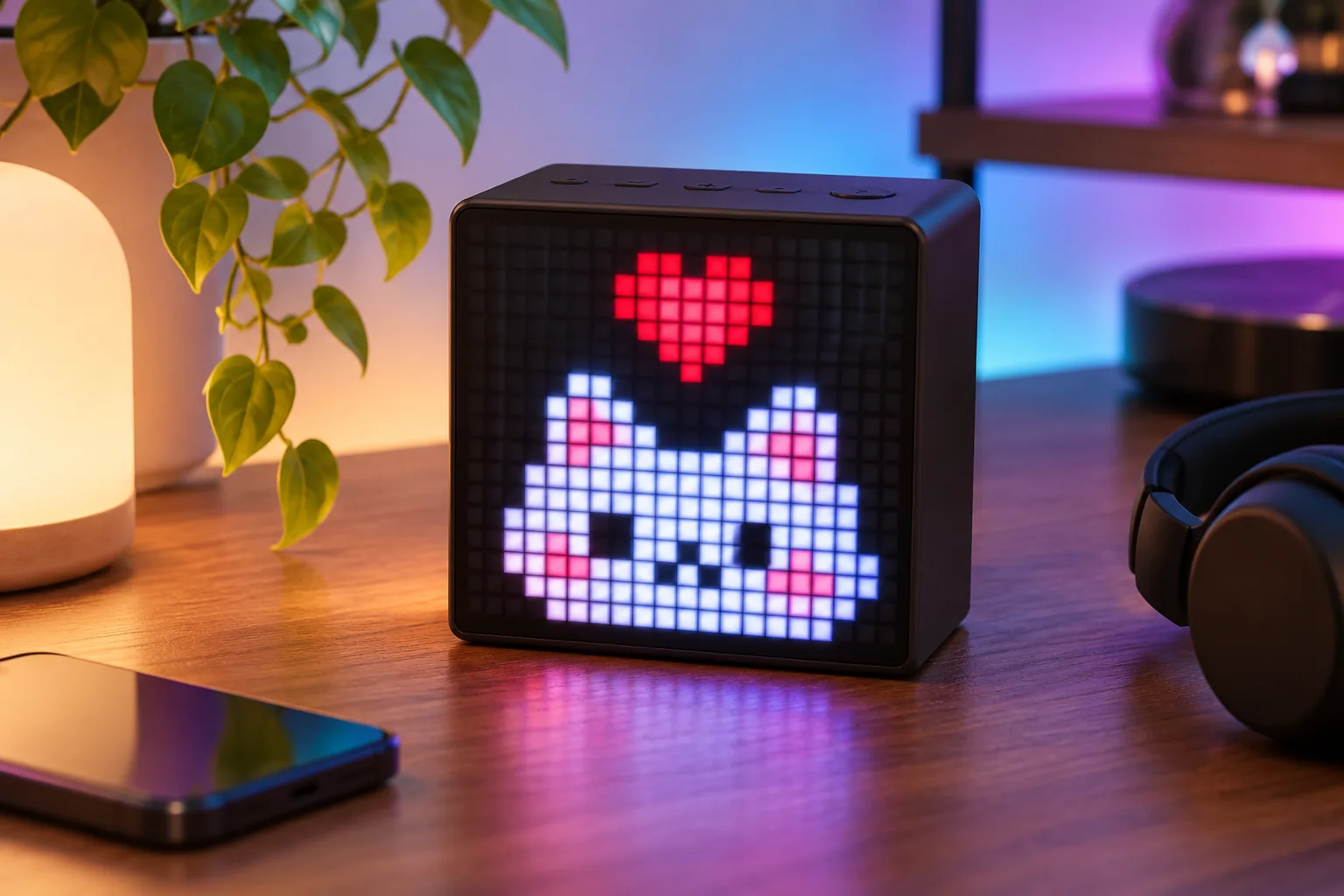
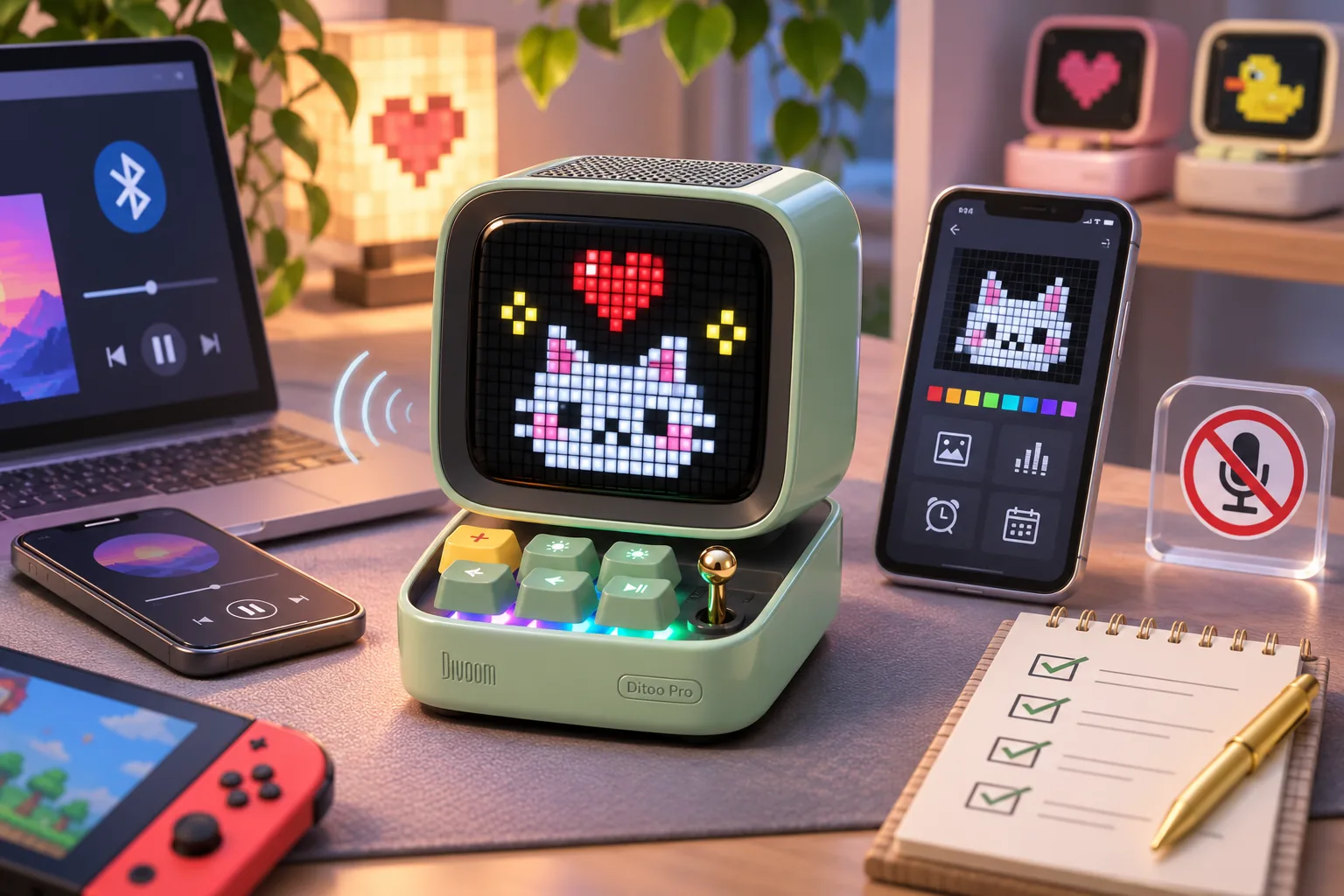
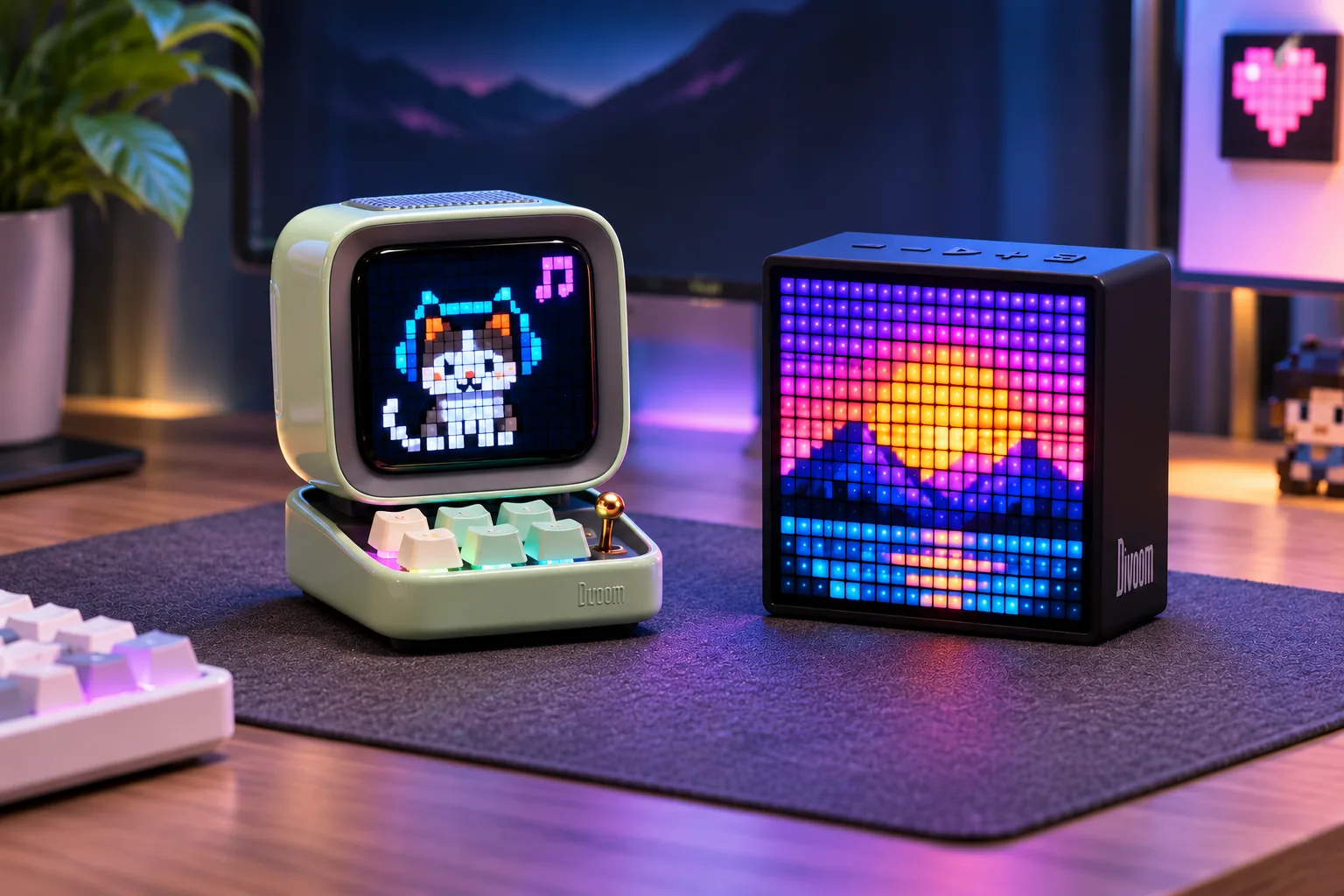
Both products use a 16×16 pixel grid, so the screen size alone does not decide the comparison. Divoom presents Ditoo-Pro as a miniature vintage computer with keyboard-style controls and a joystick. It describes Timebox-Evo as a more minimalist, square pixel-art speaker. Those descriptions can help you choose the look you want on a desk or bedside table, but they are not claims about button feel, brightness, viewing distance, or long-term durability. (Ditoo-Pro; Timebox-Evo; Divoom FAQ)
The grid gives both devices a compact pixel-art format. It is a suitable basis for comparing the documented display role, not for claiming either has sharper art or more readable text. Divoom’s own Ditoo-Pro page and FAQ identify the 16×16 display; its Timebox-Evo product title and lead description also specify 16×16.
Playback: Ditoo-Pro has more documented options
For Ditoo-Pro, Divoom lists Bluetooth, USB-C audio for compatible computers, and TF-card playback. The official page describes TF-card listening as an offline music path. If you keep music files locally or want a wired connection to a compatible computer, those are concrete reasons to favor Ditoo-Pro—provided you verify any exact TF-card format or computer compatibility you need, which the reviewed page does not spell out. (Ditoo-Pro)
Timebox-Evo is documented as a Bluetooth speaker. The current product page reviewed for this comparison does not establish an additional USB-C or TF-card path. If one of those inputs is essential, the evidence makes Ditoo-Pro the safer documented choice; otherwise, compare the feature that brought you here rather than treating an unlisted Evo feature as confirmed absent.
Do not read Bluetooth support as proof that all art, clocks, notifications, or other app functions work offline. Divoom describes the app as the route for display customization and supported functions, but the reviewed pages do not provide a complete offline or account-requirement table for either model. If your desk must work without a phone or network, verify the exact behavior for the feature you care about. (Divoom FAQ)
Pick by the routine you want
Pick Ditoo-Pro if you want the retro keyboard-computer styling, or if Bluetooth alone is not enough and you want the manufacturer-documented choice of USB-C and TF-card audio. Divoom also lists alarm, white noise, a Pomodoro timer, FM radio, and mini games. Those features make it a plausible desk or bedside companion for someone who wants several functions around the display, but they do not tell us how well it sounds or how comfortable its controls feel. (Ditoo-Pro)
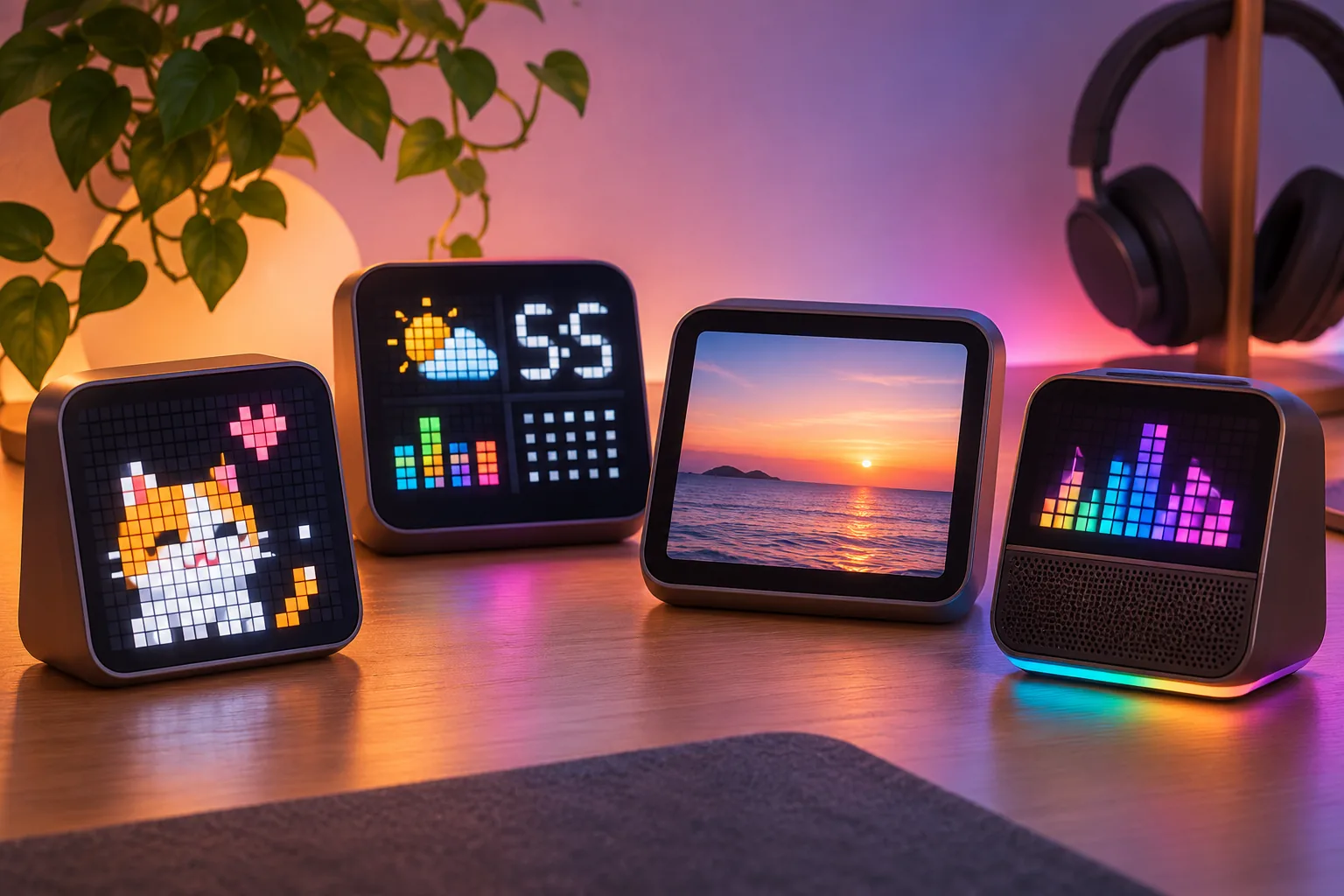
Pick Timebox-Evo if you prefer its minimalist square styling and the documented set of clock faces, music visualization, alarm, nature-sound sleep aid, social notifications, stopwatch, weather, and mini games. Divoom positions it for bedrooms, gaming setups, and offices. Check that the exact feature you want still appears for Timebox-Evo in the current app; app and model support can change. (Timebox-Evo)
If your main question is “Which one sounds better?”, these sources cannot answer it. Divoom lists different rated driver outputs on the two product pages, but ratings are not a listening test and do not establish clarity, bass, loudness in your room, or preference. Choose by documented input and display functions, then use a return policy that suits you if listening performance is the deciding factor.
What to check before you choose
- Match the exact model name. Confirm the listing and manual say Ditoo-Pro or Timebox-Evo; do not transfer details from Ditoo-Mic, older Ditoo versions, or other Timebox products.
- Name the input you need. If TF-card or USB-C audio matters, Ditoo-Pro is the one whose current product page explicitly lists those paths. Confirm the TF-card format/capacity or computer requirements if they are deal-breakers.
- Check the app feature. Search the current Divoom app for the exact clock, notification, sleep, timer, or visualizer function and confirm it is available for the selected model and phone.
- Separate audio from display behavior. Bluetooth describes a documented audio path; it does not establish offline behavior for every display or app function.
- Skip unsupported sound claims. Neither guide represents a controlled comparison of audio, battery life, or reliability.
For the model-specific details, see our Ditoo-Pro buying guide and Timebox-Evo buying guide. The broader Divoom desk-display guide compares their roles with other display formats.
Frequently asked questions
Which Divoom pixel speaker has TF-card playback?
Divoom’s current Ditoo-Pro page explicitly lists TF-card playback and also lists USB-C audio for compatible computers. The Timebox-Evo page reviewed here documents Bluetooth audio but does not list TF-card playback. If local-card playback is essential, confirm card format and capacity in the exact model manual before ordering.
Does Timebox-Evo have USB-C audio?
The current Timebox-Evo page reviewed for this comparison does not document USB-C audio. That is a limit of the evidence, not proof that no revision or configuration supports it. If you need a wired input, check the exact model’s current manual or ask Divoom before choosing; Ditoo-Pro’s page does list USB-C audio.
Which one sounds better?
The reviewed sources provide manufacturer feature descriptions, not a controlled listening comparison. They do not establish a sound-quality winner, measured loudness, or which speaker will suit your room. Decide using the documented inputs, display style, and app features, then evaluate audio using a return option that works for you.
Final choice
For a Divoom Ditoo Pro vs Timebox-Evo decision, start with the feature you will actually use: choose Ditoo-Pro for its retro-computer form or its documented USB-C/TF-card playback, and choose Timebox-Evo for its listed desk and bedside routine features in a minimalist square design. Both share a 16×16 pixel-display Bluetooth-speaker role, so check the exact app function and model name before ordering.